From Prompt to Podium: 5 AI Workflow Hacks to 10x Your Presentation Speed in 2026
Quick answer
The fastest AI presentation workflows start with clear source material, a defined audience, and a reusable prompt pattern. Use AI for structure, visual direction, and iteration, then export to PowerPoint for final polish.
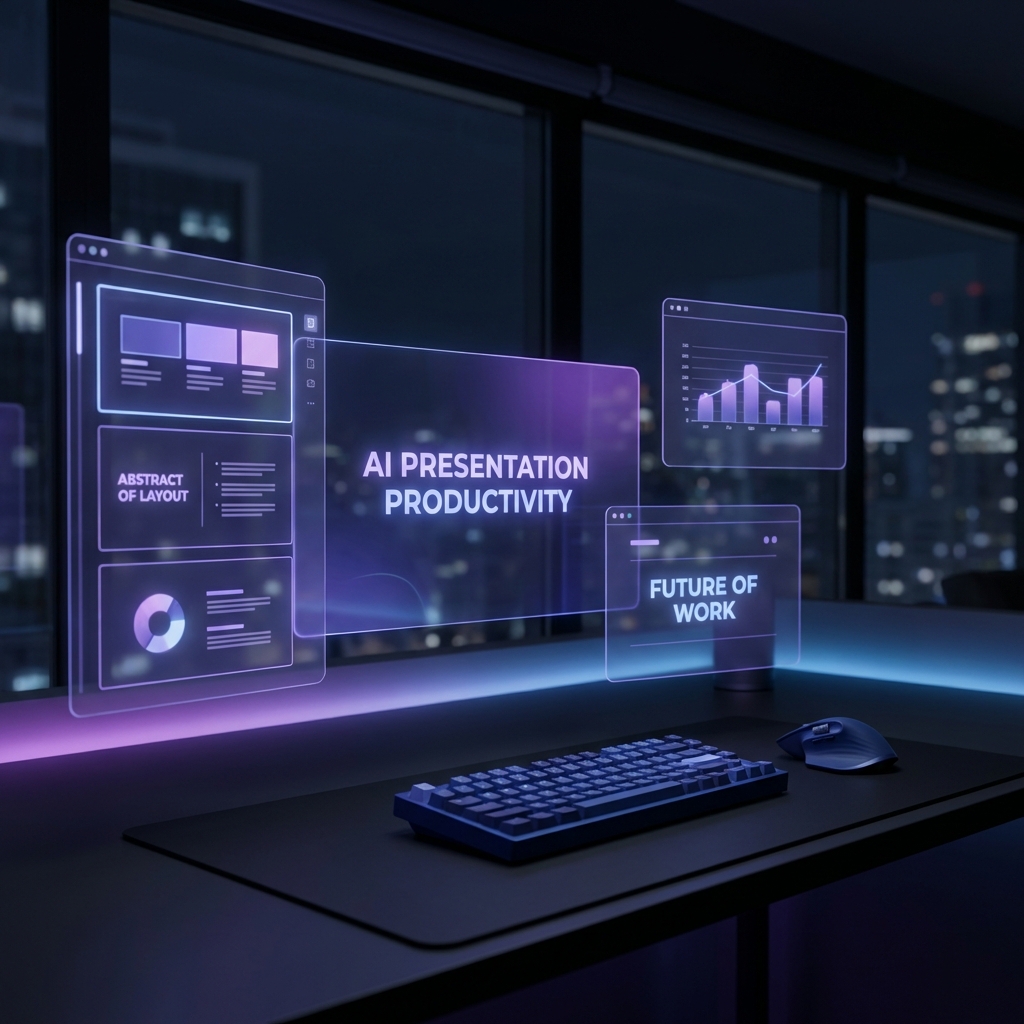
In the fast-paced business environment of 2026, the "blank slide" is a relic of the past. If you're still manually dragging text boxes and hunting for the perfect icon, you're not just losing time—you're losing your competitive edge.
The rise of autonomous AI agents and realistic generative design has shifted the goalposts. Today, presentation design is no longer a craft of manual labor; it's a craft of strategic orchestration.
Here are 5 AI workflow hacks to help you move from prompt to podium in record time.
1. The "Reverse Engineering" Prompt
Instead of asking AI to "make a slide about market trends," feed it your raw data or a messy transcript and ask it to structure the narrative first.
Hack: Use XLSlides to ingest your meeting notes directly. The AI will identify the core pillars of your argument and arrange them into a professional layout before you even pick a color scheme.
2. Context-Aware Visuals
Static stock photos are out. In 2026, visuals must be as dynamic as your data. Use AI-driven image generation that understands the tone of your slide.
If your slide is about "Future Growth," don't just use a generic upward arrow. Ask for a "futuristic, minimalist representation of exponential scaling in a dark-themed corporate aesthetic." This level of precision ensures your deck looks like it was designed by a top-tier agency, not a template.
3. The "Infinite Iteration" Loop
The biggest mistake is settling for the first draft. With tools like the Layout Tool Monitor, you can swap between variations of a single block instantly.
- Table or Chart? Let the AI decide which represents the data better.
- Icon or Illustration? Toggle through styles until the visual weight feels right.
4. Semantic Formatting
Stop fighting with font sizes. Modern AI presentation tools use Semantic Design Systems. This means when you change one header, the entire deck adjusts its visual hierarchy to maintain brand consistency.
XLSlides handles this by default, ensuring that every slide adheres to the "Golden Ratio" of design without you ever touching a ruler.
5. AI-Powered "Staging"
Before you present, use a voice agent to "rehearse" your deck. Ask the AI to point out weak transitions or slides that have too much cognitive load. If a slide is too busy, simply tell the agent: "Simplify the visual complexity here," and watch the layout refactor itself in real-time.
Conclusion
The future of presentations isn't about doing more; it's about thinking more and letting AI handle the implementation. By treating your presentation tool as a co-pilot rather than a typewriter, you can focus on what actually matters: your message.
Ready to 10x your output? Start your next deck with XLSlides and see the difference that realistic AI design makes.
FAQs
How can AI make presentation creation faster?+
AI speeds up the first draft by turning raw notes, documents, or prompts into a structured deck outline, suggested visuals, and slide-ready copy before you spend time polishing details.
What is the most important AI presentation prompt habit?+
Give the AI audience, objective, source material, tone, and output format. A prompt that defines the business context produces much better slides than a generic topic prompt.
Should I accept the first AI-generated deck?+
No. Treat the first draft as a structured starting point, then iterate on storyline, evidence, visual hierarchy, and slide density before using it in a real meeting.