Direct Answer: What An Executive Summary Slide Should Actually Do
An executive summary slide should tell a busy reader what happened, what it means, and what decision or follow-through is required before they read the rest of the deck. It is not a decorative opening page, a table of contents in disguise, or a vague recap of the topic. In a serious business presentation, the summary slide is the page most likely to be read in isolation, screenshot into a chat, or forwarded by email to someone who will never hear the live narration. That makes it a decision document, not a warm-up slide.
The strongest summary slides do three things at once. First, they state the answer in the headline. Second, they show the few proof points that make that answer credible. Third, they frame the implication for the audience, whether that means approval, alignment, escalation, or a next step. If a reader finishes the first page and still cannot explain the core recommendation in one sentence, the deck is starting in the wrong place.
This matters across many XLSlides use cases. A board deck needs a summary that highlights the business issue, management recommendation, and explicit board ask. A strategy recommendation deck needs a summary that clarifies the preferred path and the evidence behind it. An investor update needs a summary that explains the quarter, the main driver changes, and the next milestone. A QBR needs a summary that converts a quarter of activity into business value, risk, and the next plan. The format changes by context, but the job stays the same: compress complexity into a page that preserves judgment.
Key Takeaways
- A strong executive summary slide leads with the answer, not the topic.
- The opening page should combine message, proof, and implication in one scan.
- Executives trust concise evidence blocks more than broad claims or long intros.
- AI is useful for structuring the first draft, but humans still need to choose the actual message and validate the proof.
- The best summary slide format depends on the deck type: board, investor, strategy, QBR, or investment committee.
Where Executive Summary Slides Actually Matter
The summary page is often the most reused slide in the entire deck, so its design and message need to match the business context.
| Deck Context | What The Summary Must Answer | Common Failure Mode |
|---|---|---|
| Board deck | What does management want the board to understand, challenge, or approve? | Reporting activity instead of surfacing the decision |
| Strategy recommendation | Which path should leadership choose and why now? | Saving the recommendation for slide eight |
| Investor update | What changed in the business and what does it imply for conviction? | Listing metrics with no clear interpretation |
| QBR | What value was created, what risk emerged, and what is next? | Turning the page into a dashboard dump |
| Investment committee deck | Why should the committee proceed, pause, or reject the deal? | Mixing diligence detail with no underwriting conclusion |
| Consulting deck | What is the answer and what arguments prove it? | Opening with context before the conclusion |
Why The First Page Carries So Much Of The Decision Weight
Senior readers rarely experience a deck in the order the author imagines. They may skim the title page, jump to the summary, inspect one chart in the middle, and then decide whether the rest of the deck deserves attention. That means the summary slide is often functioning as the intake mechanism for the whole document. If the first page is muddy, the audience starts interpreting the rest of the deck through uncertainty.
This is even more true in business environments where decks circulate asynchronously. A CFO may forward the summary page to a CEO. A chief of staff may copy the headline into a meeting memo. A board observer may review only the opening pages before the session. A summary slide that depends on the presenter to explain every sentence is fragile because the slide will inevitably travel without its author.
The practical implication is simple. Treat the summary page like a compressed operating memo. Every major element should justify its existence. The headline should tell the audience what to conclude. The evidence should be minimal but specific. The action should be visible. Visual polish still matters, but only after the message works in plain language.
Executive Summary Takeaways Reference
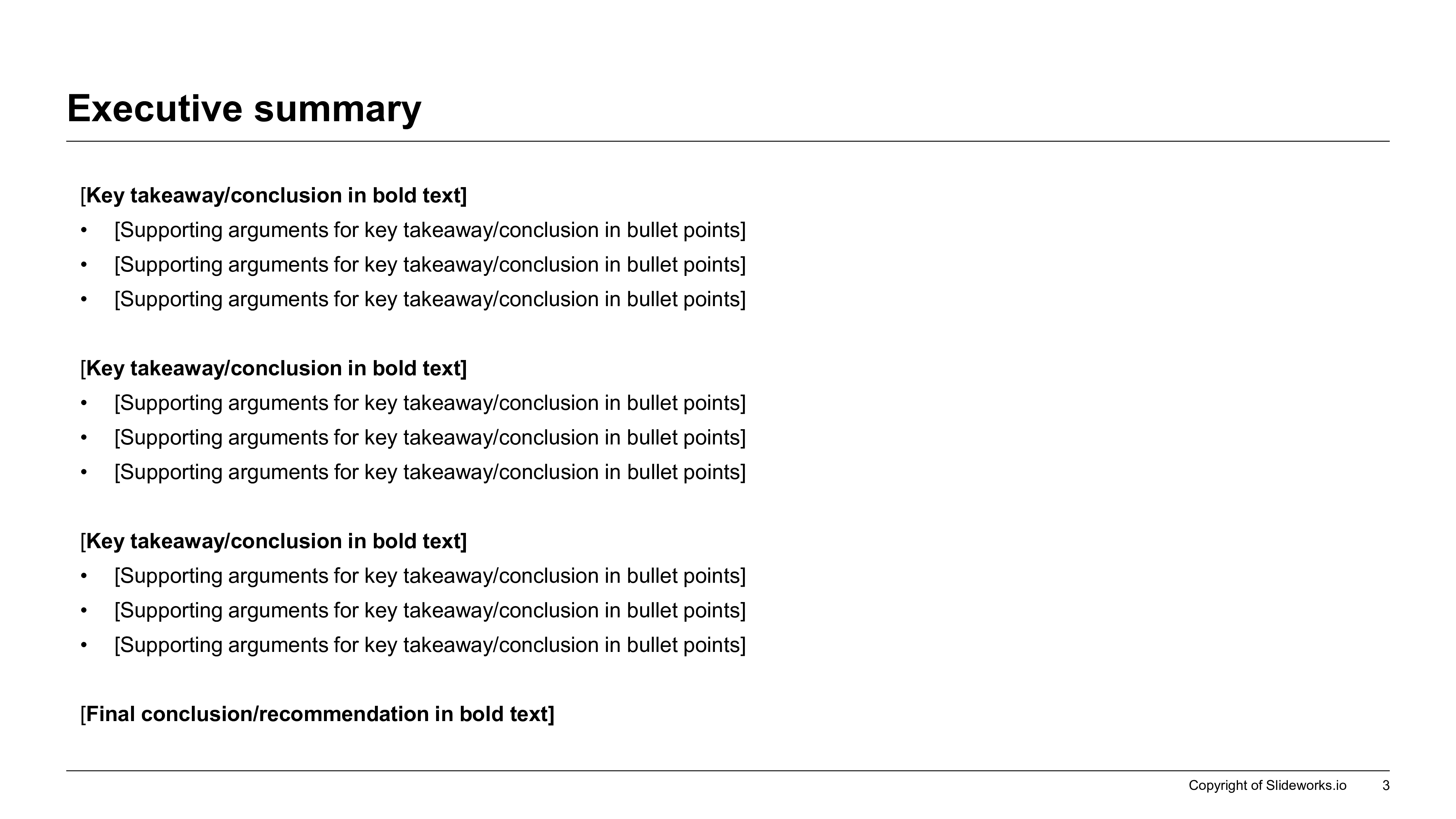
The Five Jobs Of A Strong Executive Summary Slide
If the page fails one of these jobs, the reader will need too much context to understand the deck.
| Job | What To Show | What To Cut |
|---|---|---|
| State the answer | A headline that contains the conclusion or recommendation | Topic labels such as Market Overview or Q2 Update |
| Prove credibility fast | Two to four evidence points, metrics, or arguments | Long paragraphs repeating what later slides already show |
| Frame the implication | The decision, ask, or consequence for the reader | Generic next steps with no owner or no business reason |
| Show the deck logic | A clear set of message blocks that preview the story arc | A loose list of bullets with no hierarchy |
| Survive standalone reading | Enough context to make sense when forwarded alone | Shorthand only the presenter understands |
What Belongs On The Summary Slide And What Belongs Later
A useful rule is that the summary page should contain the minimum information required to support a first decision, while later slides contain the depth required to defend that decision. Many teams reverse this. They either overload the first page with tiny charts and footnotes, or they make the first page so abstract that the reader has no reason to trust it. Neither approach respects how executives actually read.
Keep the opening page focused on the few facts that change the audience's view of the issue. If the recommendation is to narrow expansion, show the one or two facts that explain why the narrower path is superior. If the recommendation is to approve a budget shift, show the variance or return logic that justifies the move. If the story is about a strong quarter with one rising risk, state that clearly and show the metric pair that proves both sides of the story.
Reserve detail for the body of the deck: full scenario trees, detailed assumptions, segment cuts, methodology notes, appendix tables, and sensitivity analysis. The summary page should signpost where those details exist, but it should not try to carry every proof artifact at once.
Metrics Snapshot Summary Reference
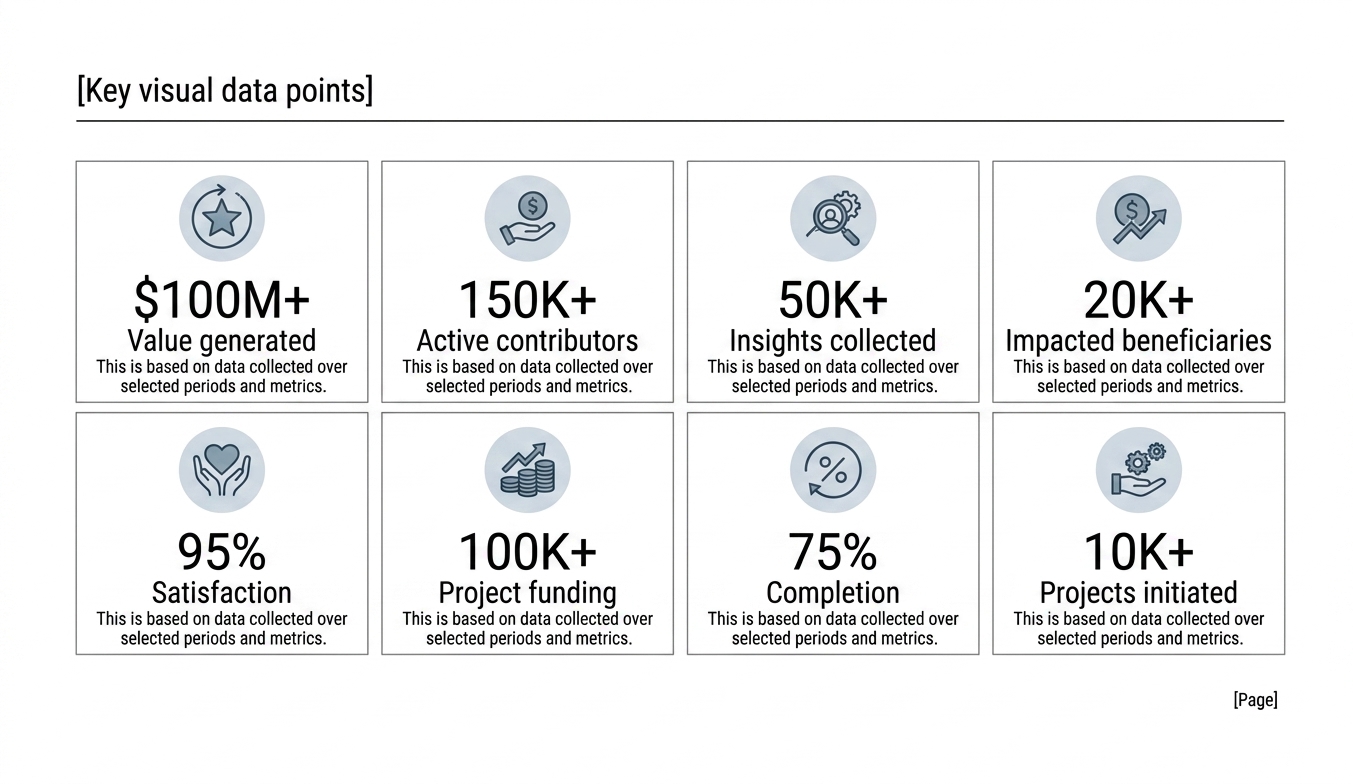
Best Executive Summary Pattern By Deck Type
Different decks need different summary architectures. Reusing one generic opening page across all contexts weakens the signal.
| Use Case | Best Summary Pattern | Proof Style | Audience Ask |
|---|---|---|---|
| Board meeting | Headline plus three management takeaways | Variance, risk, and recommendation blocks | Approve, challenge, or note |
| Strategy recommendation | Recommendation, rationale, and implications | Option comparison and evidence bullets | Choose a path |
| Investor update | Quarter summary with headline metrics and outlook | Growth, burn, milestones, or risk deltas | Maintain confidence and context |
| QBR | Outcome, drivers, risk, and next-quarter plan | KPI movement with short commentary | Align on follow-through |
| Investment committee | Deal thesis, valuation logic, and key flags | Underwriting points and risk disclosures | Proceed, rework, or stop |
| Consulting case readout | Answer, supporting arguments, and priority actions | MECE arguments and exhibit pointers | Commit to the recommendation |
Write The Headline As A Conclusion, Not A Topic Label
The headline is the most important line on the page because it tells the audience how to interpret everything below it. A weak headline names the subject. A strong headline states the conclusion. The shift sounds small, but it changes the slide from passive reporting into directional communication.
For example, Customer Retention Update is not a summary headline. Retention is stable in the enterprise segment, but mid-market churn now requires targeted commercial intervention is a summary headline. One names the area. The other tells the reader what happened and why they should care. The same rule applies to board pages, investor updates, and consulting recommendations. If the title does not contain the message, the rest of the page has to work too hard.
This is where many AI-generated pages still fail. They default to tidy labels because labels are statistically safe. Senior readers do not need statistical safety. They need the judgment call. When using XLSlides or any other AI drafting workflow, push the system to write conclusion-style headlines, then review whether the conclusion is actually supported by the evidence.
Asymmetric Summary Panel Reference
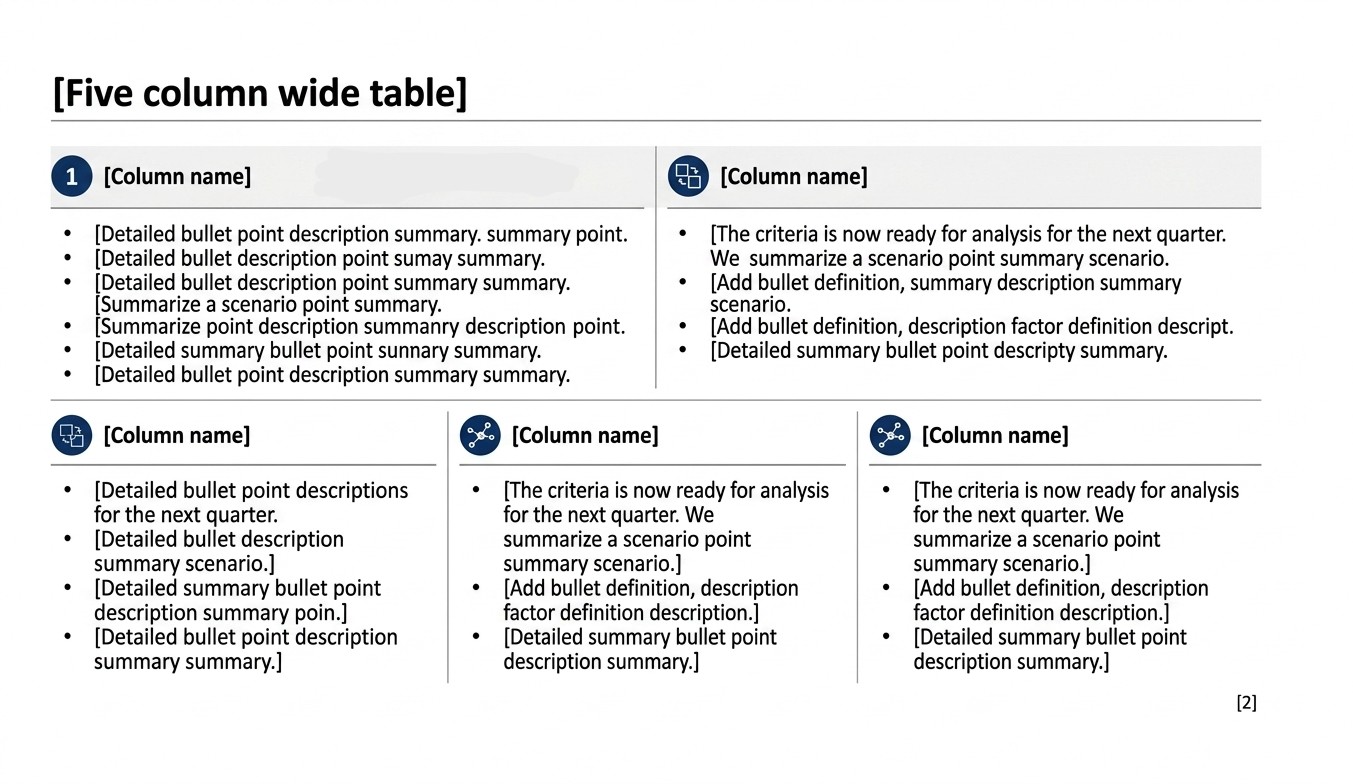
Action Title Rewrite Examples For Executive Summary Slides
Use the rewrite to move from descriptive labeling to answer-first communication.
| Weak Label | Stronger Executive Summary Headline | Why It Works |
|---|---|---|
| Quarterly performance | Revenue stayed ahead of plan, but margin pressure now requires a delivery reset | It balances the positive result with the real issue |
| Market opportunity | The category is large, but only two segments are attractive enough for near-term entry | It narrows the implication instead of repeating TAM language |
| Board recommendation | Management recommends delaying the expansion until reliability targets recover | It states the decision and the reason |
| Customer review | Adoption improved materially after workflow training, but sponsor alignment remains fragile | It shows value and risk in one sentence |
| Investment case | The asset is attractive only if pricing upside survives the downside volume case | It frames the thesis with the key condition |
| Next steps | Leadership needs to approve scope, owner, and timing this week to protect the target outcome | It makes the ask explicit and time-bound |
A Practical Workflow For Building The Page From Messy Notes
Start outside the slide. Write the answer in plain language first. If you had to brief the CEO in thirty seconds without opening PowerPoint, what would you say? That sentence is the candidate headline. Then list the two to four facts that make the sentence believable. Those facts become the proof blocks. Finally, define what the reader is supposed to do after reading the page. That becomes the ask or implication block.
Only after the message is clear should you choose the format. Some summaries need a three-block narrative: answer, evidence, action. Some need metric tiles with one short commentary line. Some need a split between what changed and what management recommends. The right layout depends on the job, not the other way around. This is why strong presentation work starts with logic before design.
If your inputs are messy, force them into three buckets: what happened, why it happened, and what should happen next. Most summary pages become clearer immediately after that exercise because the writer stops mixing observation, interpretation, and action in the same bullet. The page becomes easier to structure, and the later slides inherit a cleaner storyline.
XLSlides fits well here because the product can turn raw notes, KPI exports, diligence comments, or leadership prep bullets into a first structured draft. But the operator still has to decide which message is true, which evidence matters, and which phrasing is credible for the audience.
Prompt Recipe For An Executive Summary Slide
Create an executive summary slide for a business presentation. Audience: CEO, CFO, and business unit leaders. Context: a quarterly executive review for a B2B software company that exceeded revenue plan but missed margin expectations because implementation costs rose faster than forecast. Produce one answer-first headline, three supporting evidence blocks, one risk block, and one explicit management ask. Keep the tone concise, boardroom-ready, and editable in PowerPoint style. Every claim should be specific enough to defend on later slides, with placeholders for source notes or appendix references where needed.
Four-Quadrant Summary Logic Reference
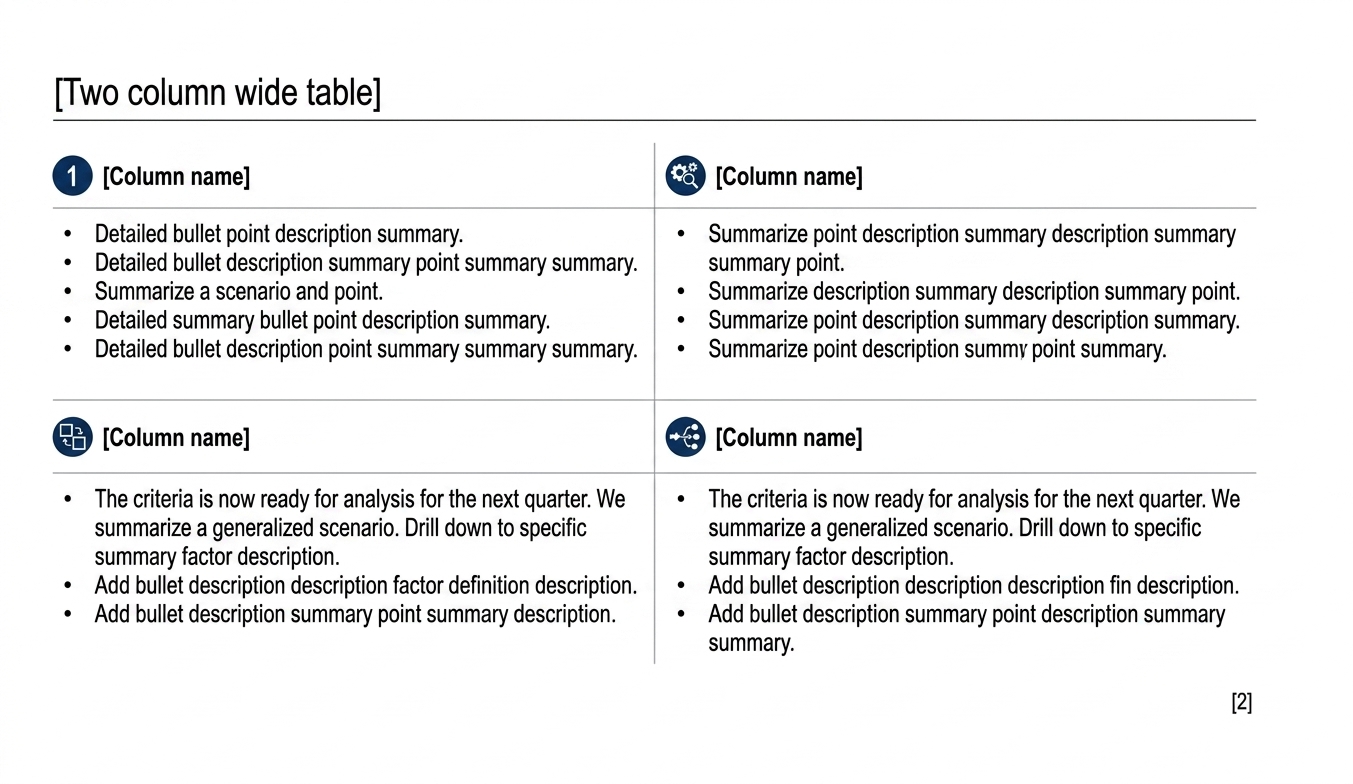
Executive Summary Slide Review Checklist
What AI Can Draft And What Still Needs Human Judgment
Use AI for speed and structure, then keep final judgment on the business message and proof standards.
| Workflow Step | Useful AI Contribution | Human Review Still Required |
|---|---|---|
| Headline drafting | Generate several answer-first title options from raw notes | Choose the one that is both true and senior-reader appropriate |
| Evidence grouping | Sort metrics or proof points into themes such as growth, risk, or execution | Decide which evidence actually matters for the audience |
| Layout suggestion | Propose a summary pattern such as tiles, split panel, or three-block narrative | Confirm the format supports the message instead of distracting from it |
| Draft commentary | Turn rough notes into concise explanatory copy | Remove overclaiming, weak causality, or politically careless wording |
| Slide assembly | Create the first editable version quickly across the full deck | Pressure-test readability, proof discipline, and business judgment |
Failure Modes That Make Summary Slides Untrustworthy
The first failure mode is the dashboard opening. The slide contains many numbers but no interpretation. Readers see activity and output, but they still do not know what changed or what to conclude. A summary page should not ask the executive to perform the analysis for the author.
The second failure mode is fake confidence. The page uses polished language, but the message is broad enough to avoid saying anything falsifiable. Phrases such as strong momentum, positive outlook, or strategic progress may sound safe, yet they often hide the real issue. Credibility comes from specificity, not optimism.
The third failure mode is recommendation without proof. The summary tells leadership what to do, but none of the evidence blocks make the recommendation feel earned. This is especially common when teams rush the first page at the end of the process. In reality, the summary should be the most edited slide in the deck because it carries the highest compression of judgment.
A Seven-Block Executive Summary Blueprint
Use this as a working blueprint when the page needs more structure than a single headline and three bullets.
| Block | Purpose | Typical Content |
|---|---|---|
| 1. Headline | State the answer | One sentence conclusion or recommendation |
| 2. Situation | Orient the reader quickly | One short line on context or trigger |
| 3. Evidence A | Support the conclusion | Metric, fact pattern, or finding |
| 4. Evidence B | Show a second proof angle | Driver, comparison, or benchmark |
| 5. Risk or caveat | Preserve credibility | Constraint, sensitivity, or unresolved issue |
| 6. Ask | Tell the reader what is needed | Decision, approval, escalation, or alignment request |
| 7. Reference trail | Signal that proof exists later | Appendix pointer, source note, or slide reference |
Frequently Asked Questions
What should an executive summary slide include?
At minimum, include an answer-first headline, a few proof points that make the message credible, and a clear implication such as a decision, risk, or next step.
How is an executive summary slide different from an agenda slide?
An agenda slide tells the audience what topics are coming. An executive summary slide tells the audience what to conclude before they enter the detail.
How many points should go on an executive summary slide?
Usually fewer than five. The page should show only the arguments or metrics that materially change the reader's understanding of the issue.
Can AI generate a good executive summary slide?
AI can generate a strong first draft when it receives clear context, audience, evidence, and the decision to be made. A human still needs to validate the message, remove overclaiming, and confirm the proof.
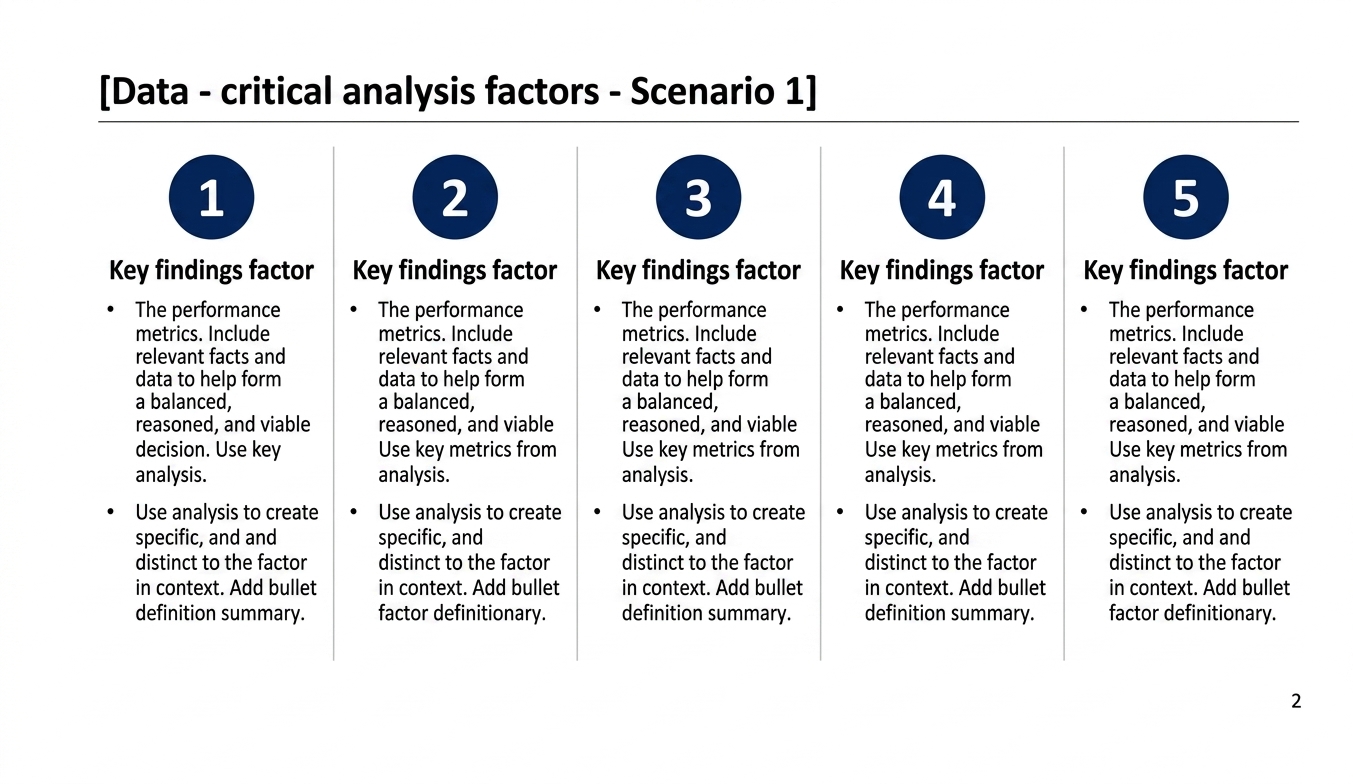
Key Findings Matrix Reference
How XLSlides Fits Into The Executive Summary Workflow
XLSlides is most useful when the team already has raw material but does not want to waste senior time turning that material into a coherent first draft. The product can take meeting notes, spreadsheets, strategy bullets, KPI shifts, risk lists, and recommendation ideas, then turn them into an editable deck with a summary page that already has a working headline, structured blocks, and supporting slide placeholders.
That is the right promise for this audience. Serious operators do not want a tool that claims to remove judgment. They want a faster path from rough thinking to a presentable draft. The summary page is a good example of where AI should accelerate mechanics but not replace review. A tool can draft the structure quickly. It cannot decide what a CFO should say to a board if the margin story is still unresolved.
In practice, the best workflow is to draft the summary early, build the rest of the deck around it, and then revise the summary one more time after the details are locked. XLSlides helps because the page stays editable and presentation-native instead of freezing the output into a rigid artifact. That makes it easier for consultants, founders, and finance teams to keep tightening the message as they review the evidence.
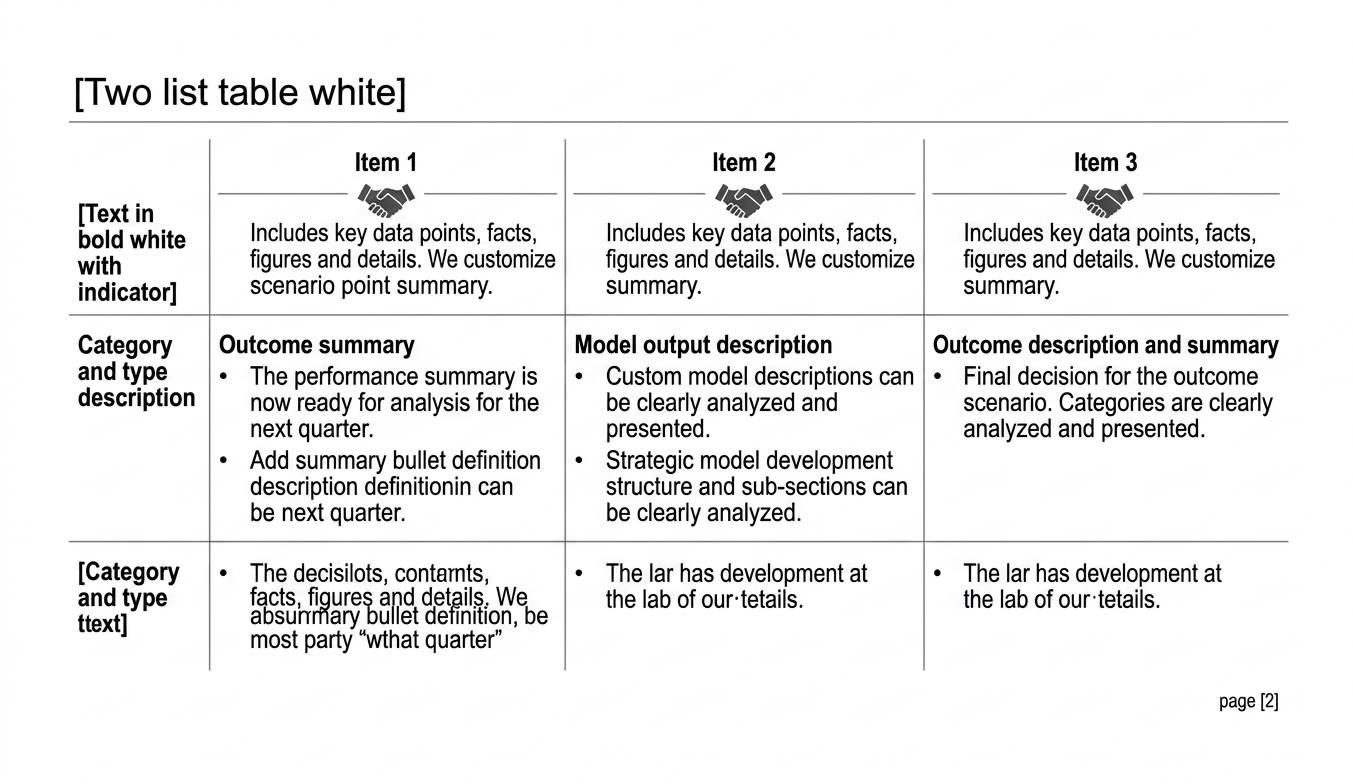
Executive Operating Summary Matrix Reference
Build The First Draft In XLSlides
Use XLSlides to turn leadership notes, KPI snapshots, risk bullets, board asks, or strategy recommendations into an editable executive summary slide and a full supporting deck with action titles, evidence blocks, and PowerPoint-ready structure.