Key Takeaways
- An AI consulting presentation generator is useful only when it creates a decision-ready structure, not just attractive slides.
- The best workflow starts with the business question, audience, decision, evidence, and recommendation before any design choices are made.
- Consultants, finance teams, and executives should judge AI-generated decks by action titles, MECE logic, source discipline, chart clarity, and revision speed.
- XLSlides is strongest when used as a first-draft and restructuring system: it turns raw inputs into an editable deck that still needs human judgment on claims, assumptions, and final recommendations.
- A high-quality AI consulting page should include examples, tables, checklists, prompts, visual references, and internal workflows. Thin template pages are not enough for this audience.
Short Answer
An AI consulting presentation generator should help you create the first structured version of a consulting deck: the executive summary, storyline, slide sequence, action titles, frameworks, charts, and supporting appendix. It should not be treated as an autopilot system that makes final strategic decisions. The value is speed to a credible draft, not outsourcing judgment.
For management consultants, finance professionals, and executives, the central question is not whether the slides look modern. The useful question is whether the deck communicates an answer under time pressure. A board member, partner, CFO, or client sponsor should be able to read the titles, skim the exhibits, and understand the recommendation without waiting for a presenter to explain every page.
That is why AI-generated consulting slides need a stricter standard than normal AI presentations. They need answer-first logic, one message per slide, visual hierarchy, source notes, assumption clarity, and a clean path from problem to recommendation. If the tool cannot preserve those principles, it will create more cleanup work than it saves.
Who Should Use An AI Consulting Presentation Generator
The strongest use cases are high-stakes business workflows where structure, clarity, and speed matter more than decorative design.
| User | Typical Input | Deck They Need | What AI Should Automate |
|---|---|---|---|
| Management consultant | Client brief, interview notes, market research, Excel analysis | Strategy recommendation, market entry, operating model, cost reduction, transformation roadmap | Storyline, slide skeleton, action titles, first-pass layouts, appendix structure |
| Independent consultant | Proposal notes, discovery call transcript, project hypothesis | Client proposal, diagnostic report, workshop deck, executive readout | Professional structure, credibility cues, prompt-to-deck generation, reusable modules |
| Finance professional | Spreadsheet, budget variance, KPI dashboard, forecast commentary | Board update, QBR, investment memo, financial performance review | Chart framing, variance narrative, executive summary, risk and sensitivity sections |
| Startup operator | Investor memo, product metrics, GTM plan, fundraising notes | Investor deck, board deck, strategy update, growth plan | Investor-ready storyline, traction slides, market sizing, operating roadmap |
| Business executive | Strategic priorities, KPI updates, leadership talking points | Leadership offsite, annual plan, board narrative, transformation update | Decision framing, concise slide sequence, recommendation language, visual polish |
What A Serious Consulting Slide Generator Must Do
Most AI presentation tools begin with a prompt and produce a decorated deck. That can be acceptable for internal brainstorming, but it is not enough for consultant-grade work. A serious consulting slide generator needs to understand the job of the deck before it writes the deck. Is the presentation meant to win approval, communicate findings, sell a proposal, explain a variance, or align a leadership team around a roadmap?
The tool should then make structural choices. A market entry deck should not look like a quarterly business review. A due diligence deck should not look like a startup pitch deck. A board update should not bury the recommendation on slide twelve. A consulting-grade AI workflow has to distinguish the decision, audience, evidence burden, and expected level of detail.
This is where a structured generator helps. Instead of asking for a vague presentation, you specify the business question, the audience, the decision, the current hypothesis, the available data, the desired output format, and the style standard. The system can then generate a more useful first draft: clear section flow, specific slide titles, relevant frameworks, and layouts that leave room for charts, sources, and appendix detail.
Consulting AI Output Quality Rubric
Use this rubric before trusting any AI-generated consulting deck.
| Criterion | Weak AI Output | Executive-Ready Output |
|---|---|---|
| Storyline | Slides are a list of related topics | Slides progress from situation to complication, recommendation, proof, risks, and next steps |
| Titles | Topic labels such as Market Overview or Financials | Action titles that state the conclusion or implication |
| Logic | Categories overlap or miss important areas | Structure is MECE enough for executive review |
| Evidence | Claims appear without source or assumption notes | Every material claim is tied to data, a source, or a named assumption |
| Charts | Charts are decorative or generic | Charts directly prove the slide title |
| Design | Theme looks polished but busy | Visual hierarchy makes the main point obvious in under thirty seconds |
| Editability | Output is hard to revise | Slides can be edited, rewritten, and handed off in PowerPoint-style workflows |
AI Consulting Draft Reference
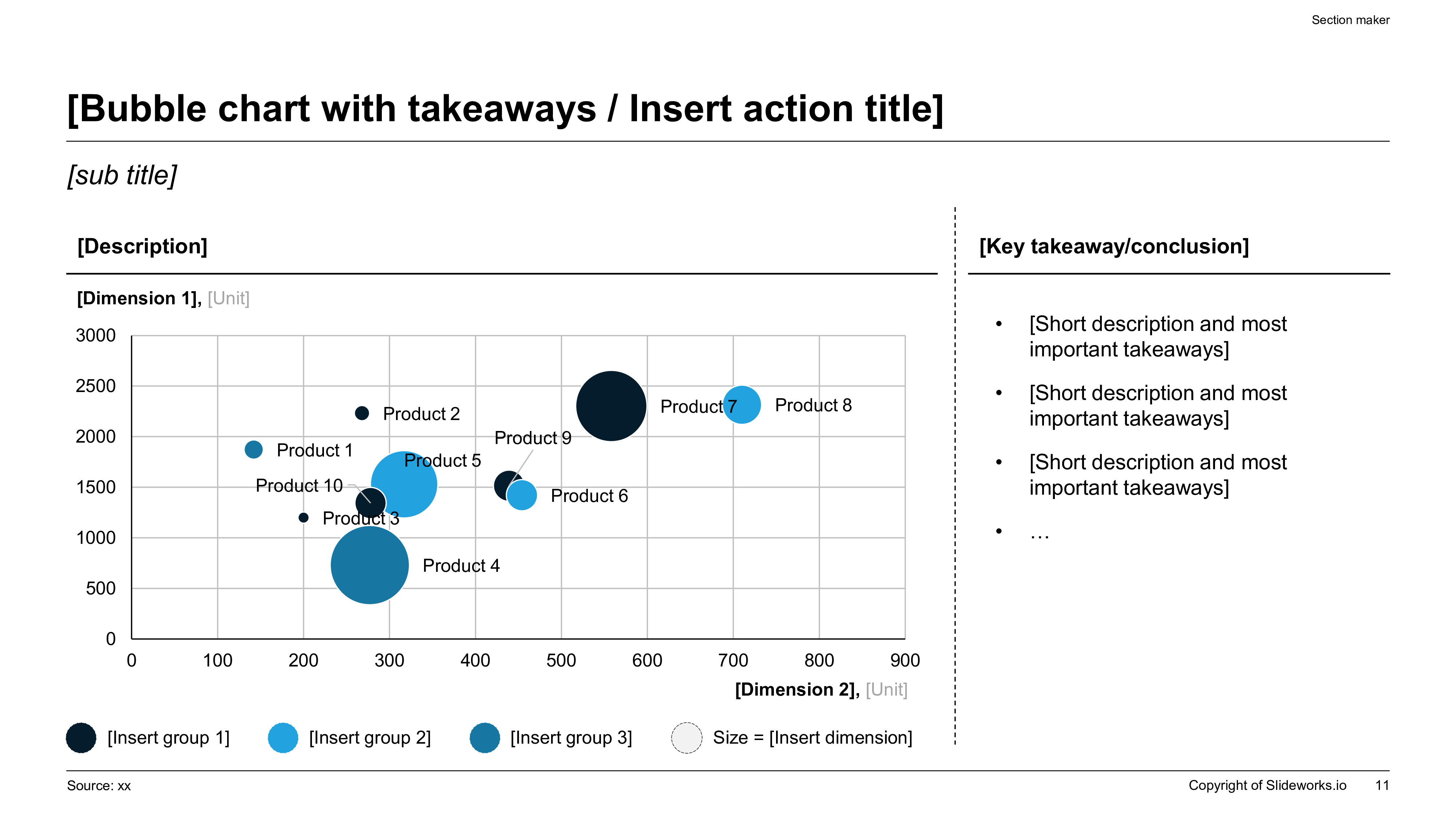
Recommended 14-Slide AI Consulting Deck Structure
This structure works for strategy recommendations, consulting readouts, board updates, and executive decision decks.
| Slide | Slide Type | What The AI Should Produce | Human Review Needed |
|---|---|---|---|
| 1 | Title and context | Project name, decision topic, audience, date, and short subtitle | Confirm audience and confidentiality language |
| 2 | Executive summary | Three to five answer-first bullets with recommendation and impact | Validate that every statement is defensible |
| 3 | Situation | Business context and why the topic matters now | Check whether context is specific enough |
| 4 | Complication | Problem, risk, constraint, or opportunity forcing action | Confirm the real business tension is not softened |
| 5 | Recommendation | Preferred path and decision required | Sharpen language and ownership |
| 6 | Issue tree | MECE breakdown of drivers or workstreams | Remove overlaps and missing branches |
| 7 | Market or business context | Sizing, trend, benchmark, or external pressure | Add source and methodology |
| 8 | Customer or stakeholder lens | Segment needs, personas, or adoption barriers | Replace generic personas with real evidence |
| 9 | Economics | Revenue, cost, margin, ROI, payback, or sensitivity analysis | Validate formulas and assumptions |
| 10 | Options analysis | Decision matrix comparing alternatives | Adjust weights to match executive priorities |
| 11 | Risk assessment | Main risks, mitigations, and leading indicators | Add risks leadership actually cares about |
| 12 | Implementation roadmap | Phased plan with milestones and owners | Confirm feasibility and sequencing |
| 13 | Decision ask | Clear actions, owners, timelines, and open questions | Make the ask explicit |
| 14 | Appendix index | Backup analysis, data sources, assumptions, interview notes | Move non-essential detail out of main flow |
The Best Workflow: Brief First, Slides Second
The biggest mistake with AI deck generation is starting with style. People ask for McKinsey-style slides, modern consulting slides, or a beautiful strategy deck before defining the actual business decision. That usually produces generic consulting theater: clean boxes, abstract icons, and broad statements that do not help an executive decide anything.
A better workflow starts with a structured brief. Define the audience, decision, recommendation, evidence available, constraints, and expected output. If the deck is for a CFO, the AI should emphasize financial impact, sensitivity, risk, and implementation cost. If the deck is for a client sponsor, it should emphasize the business case, stakeholder alignment, and what changes operationally. If the deck is for an investor, it should emphasize market opportunity, traction, economics, and credibility of assumptions.
Once the brief is clear, the AI can produce the first slide sequence. The human then reviews the storyline before spending time on design. This order matters. If the storyline is wrong, polished slides only make the problem harder to fix. If the storyline is right, design becomes a productivity layer rather than a distraction.
Generated Deck Storyline Reference
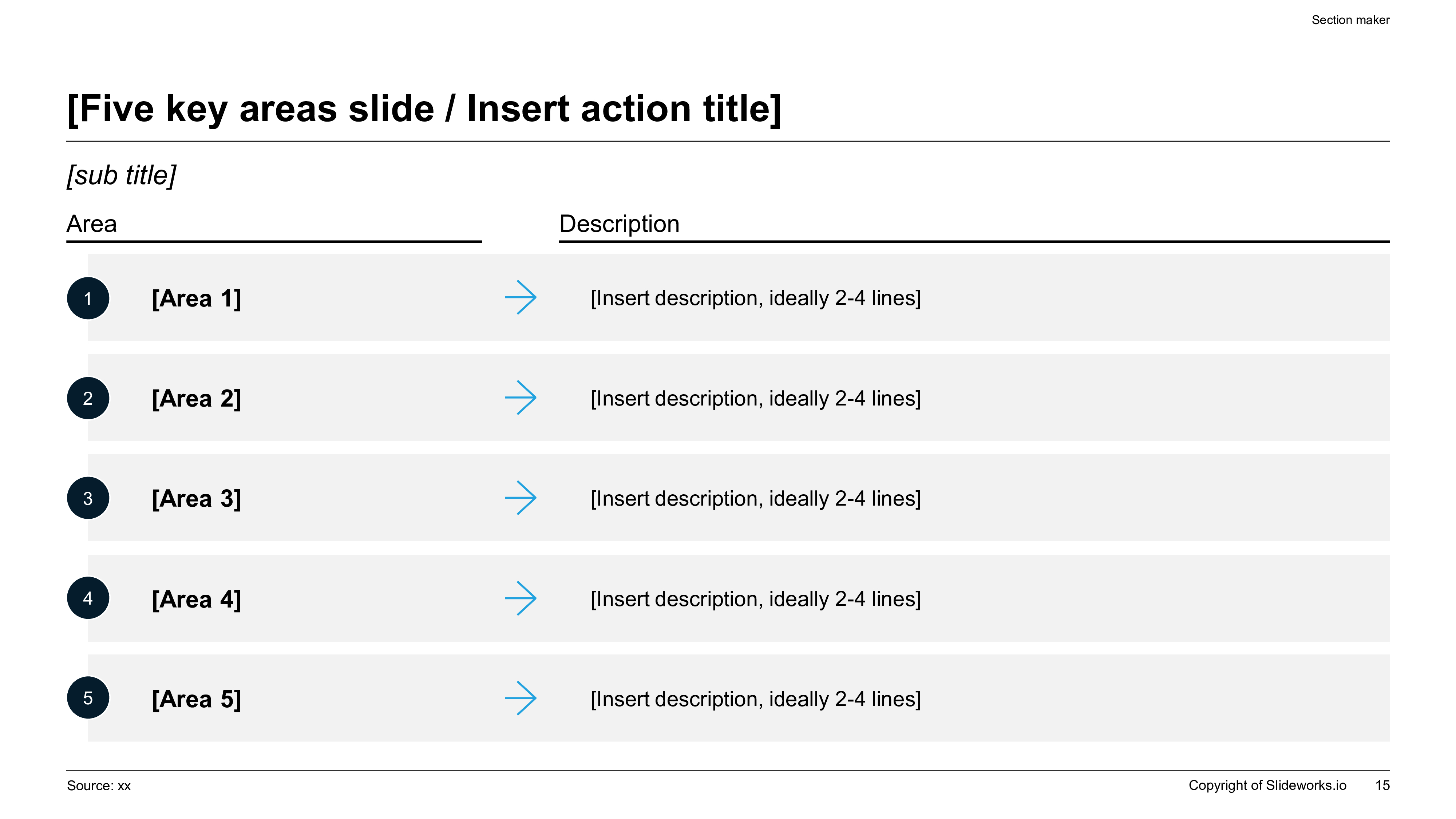
Prompt Inputs That Improve Consulting Deck Quality
The more precisely you brief the AI, the less cleanup you need after generation.
| Prompt Input | Why It Matters | Example |
|---|---|---|
| Audience | Sets tone and level of detail | Audience: CFO, COO, and board strategy committee |
| Decision | Prevents a descriptive deck with no ask | Decision: approve a 90-day pilot for the new pricing model |
| Recommendation | Lets the deck lead with the answer | Recommendation: prioritize enterprise segment before SMB expansion |
| Evidence | Anchors claims in real inputs | Evidence: Q4 pipeline, churn analysis, sales productivity model, customer interviews |
| Constraints | Keeps recommendations realistic | Constraint: no additional headcount in first two quarters |
| Preferred frameworks | Guides layout and logic | Use MECE issue tree, option matrix, sensitivity table, implementation roadmap |
| Output format | Improves slide usefulness | Create 12 slides plus appendix with action titles and source notes |
How To Use AI Without Losing Consulting Judgment
AI can draft structure quickly, but it cannot know which assumption your client will challenge, which chart will trigger a board debate, or which recommendation is politically feasible inside the organization. That is why the best consulting workflow uses AI as a deck architect, not as the final partner reviewer.
Use AI for first drafts, alternate structures, prompt-to-deck conversion, slide title options, executive summary rewrites, and transforming long notes into a clearer section flow. Then use human judgment for the hard parts: deciding the recommendation, checking data quality, removing unsupported claims, handling stakeholder sensitivity, and deciding what belongs in the appendix.
The same principle applies to visuals. AI can propose charts and layouts, but the chart must still prove the title. If the slide title says margin expansion is driven primarily by procurement savings, the chart cannot show a generic cost breakdown. It needs to show the bridge, driver ranking, savings timing, or sensitivity that supports the statement.
AI Output Structure Reference
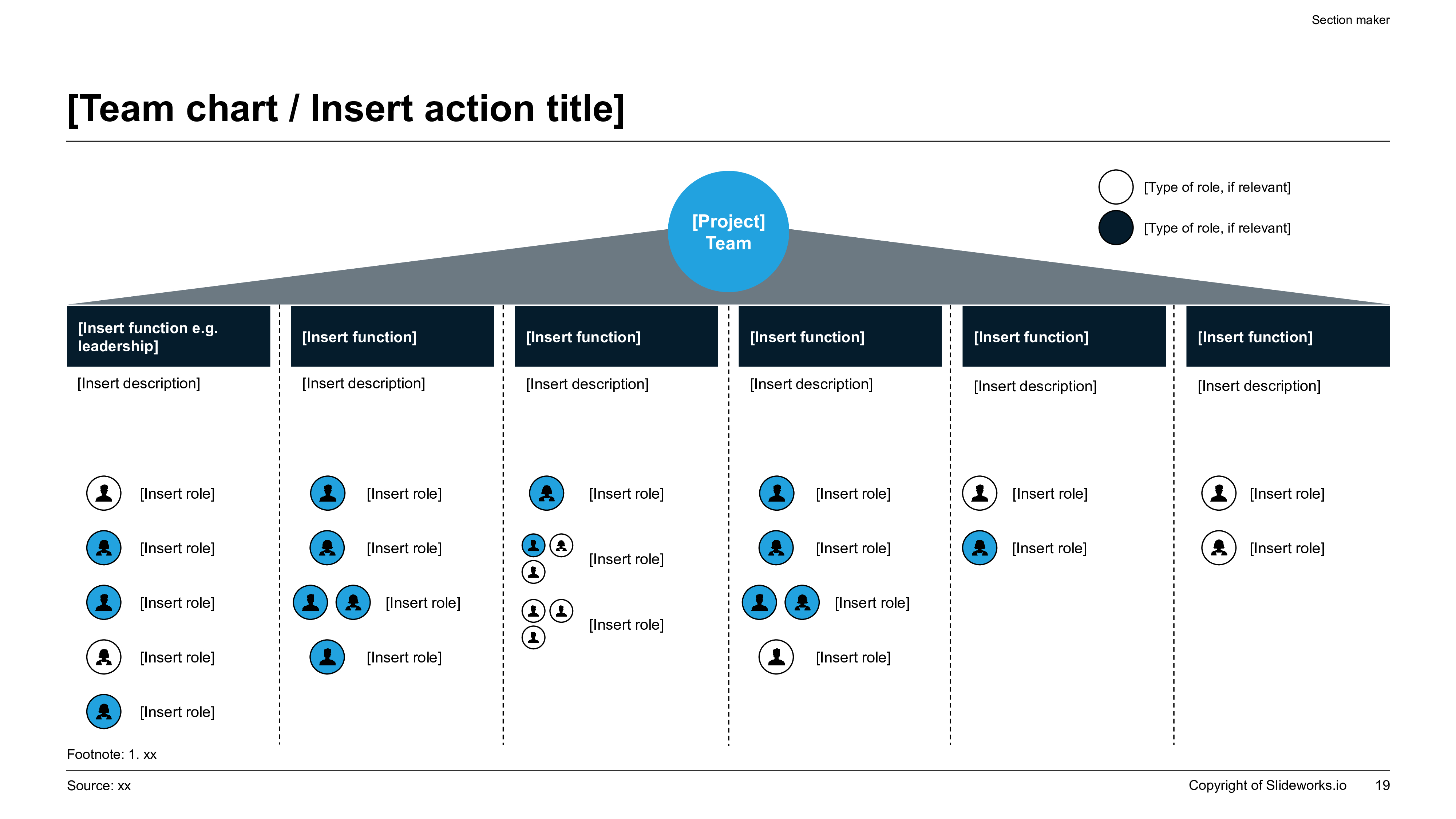
Manual PowerPoint Workflow Vs. AI-Assisted Consulting Workflow
The practical value of AI is reducing time to structured draft while preserving human review.
| Workflow Step | Manual PowerPoint | AI-Assisted XLSlides Workflow |
|---|---|---|
| Create storyline | Consultant drafts outline from scratch | AI proposes answer-first deck structure from brief |
| Write action titles | Titles are rewritten during multiple review rounds | AI drafts titles and variants for each slide |
| Select layouts | User searches old decks or template library | AI maps slide purpose to a relevant layout |
| Build exhibits | Manual chart and table setup | AI suggests exhibit types and creates first-pass structure |
| Create appendix | Often deferred until late | AI creates appendix index and backup analysis placeholders early |
| Quality review | Partner or manager catches issues late | Quality checklist is applied before publishing or handoff |
| Iteration | Slow copy/paste and formatting changes | Prompt-based restructuring plus editable export |
How The Same Generator Changes By Executive Use Case
The workflow is similar across serious business decks, but the brief, proof burden, and review standard should change by audience.
| Use Case | Primary Audience | What The Generator Should Prioritize | Most Common Failure |
|---|---|---|---|
| Board deck | Board directors, CEO, CFO | Decision asks, KPI movement, strategic issues, capital allocation, explicit risks | Reporting activity without surfacing the board decision |
| QBR | CRO, COO, functional leaders | Performance variance, root causes, account or segment trends, corrective actions | Too many metrics and not enough interpretation |
| Investment committee memo deck | PE partners, IC members, deal team | Thesis clarity, diligence findings, downside cases, valuation logic, open risks | A bullish narrative with weak downside analysis |
| Strategy recommendation | Executive committee, BU leaders | Answer-first storyline, option tradeoffs, economics, implementation roadmap | Context-heavy slides that delay the recommendation |
| Consulting proposal | Client sponsor, procurement, transformation lead | Problem framing, workplan, team, proof points, commercial scope | Selling capability without translating it into outcomes |
Why Generic AI Slide Makers Break On High-Stakes Business Decks
Generic AI slide makers usually optimize for speed and visual neatness. They are fine when the work is a classroom talk, a casual team share-out, or a lightweight product overview. They struggle when the deck has to withstand executive scrutiny. In a board meeting, QBR, investment committee review, or consulting steering committee, the audience cares less about novelty and more about what decision the slide supports, what evidence it relies on, and which assumptions could fail.
That is why an AI consulting presentation generator needs a narrower product promise. It should not claim to replace strategy work. It should claim to compress the slow mechanics around strategy communication: turning a rough brief into a coherent storyline, drafting action titles, proposing page structures, organizing appendix content, and making the first version editable enough for a manager, partner, CFO, or founder to pressure-test quickly.
The operational advantage is review speed. When the generator already outputs a usable executive summary, a sensible slide sequence, and layouts designed for business evidence, the human reviewer can spend time on the real questions: Is the recommendation correct? Are the assumptions defensible? What objection will the board raise first? That is a much better use of expert time than rebuilding every slide from a blank canvas.
Board-Ready AI Slide Reference
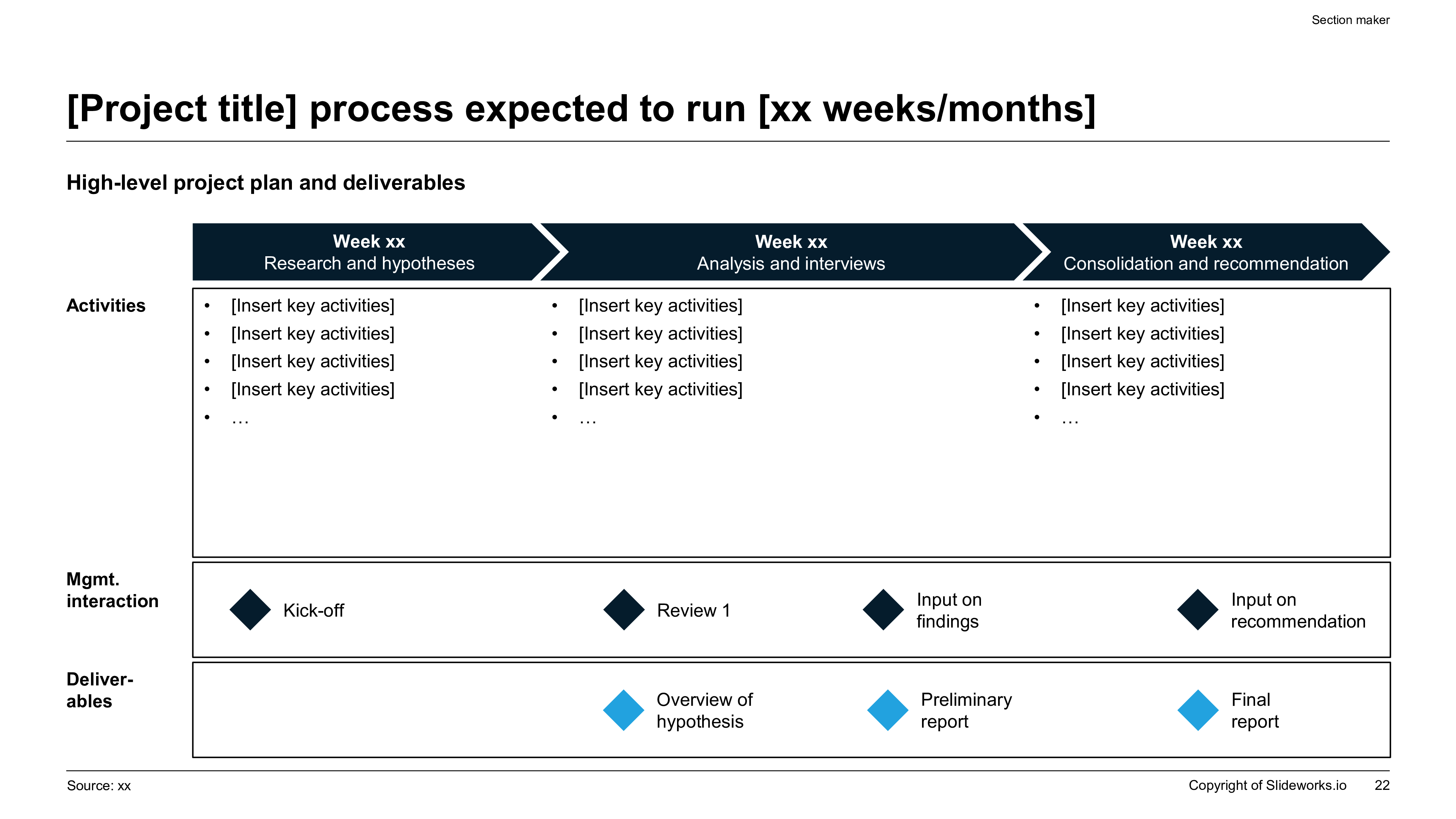
Prompt Recipes By Executive Deck Type
The best prompt is specific to the business decision and audience. Reuse the structure, not the exact words.
| Deck Type | Core Prompt Inputs | What Good Output Looks Like |
|---|---|---|
| Board update | Audience, board decision needed, KPI shifts, strategic issue, risk areas, management recommendation | An answer-first summary, KPI interpretation, strategic implications, risks, and a clear board ask |
| QBR | Quarter, segment performance, misses vs plan, root causes, actions underway, support needed | A performance narrative that explains what changed and what leadership must do next |
| Investment committee deck | Investment thesis, target, key diligence findings, valuation, downside scenarios, approval thresholds | A thesis-led deck with upside, downside, risks, mitigations, and explicit IC questions |
| Strategy recommendation | Business question, recommendation, available evidence, constraints, success metrics, implementation timing | A recommendation deck with options analysis, economics, and a practical roadmap |
| Consulting proposal | Client problem, engagement objective, approach, workstreams, timeline, team, proof points | A proposal that shows how the work will create value and how the engagement will run |
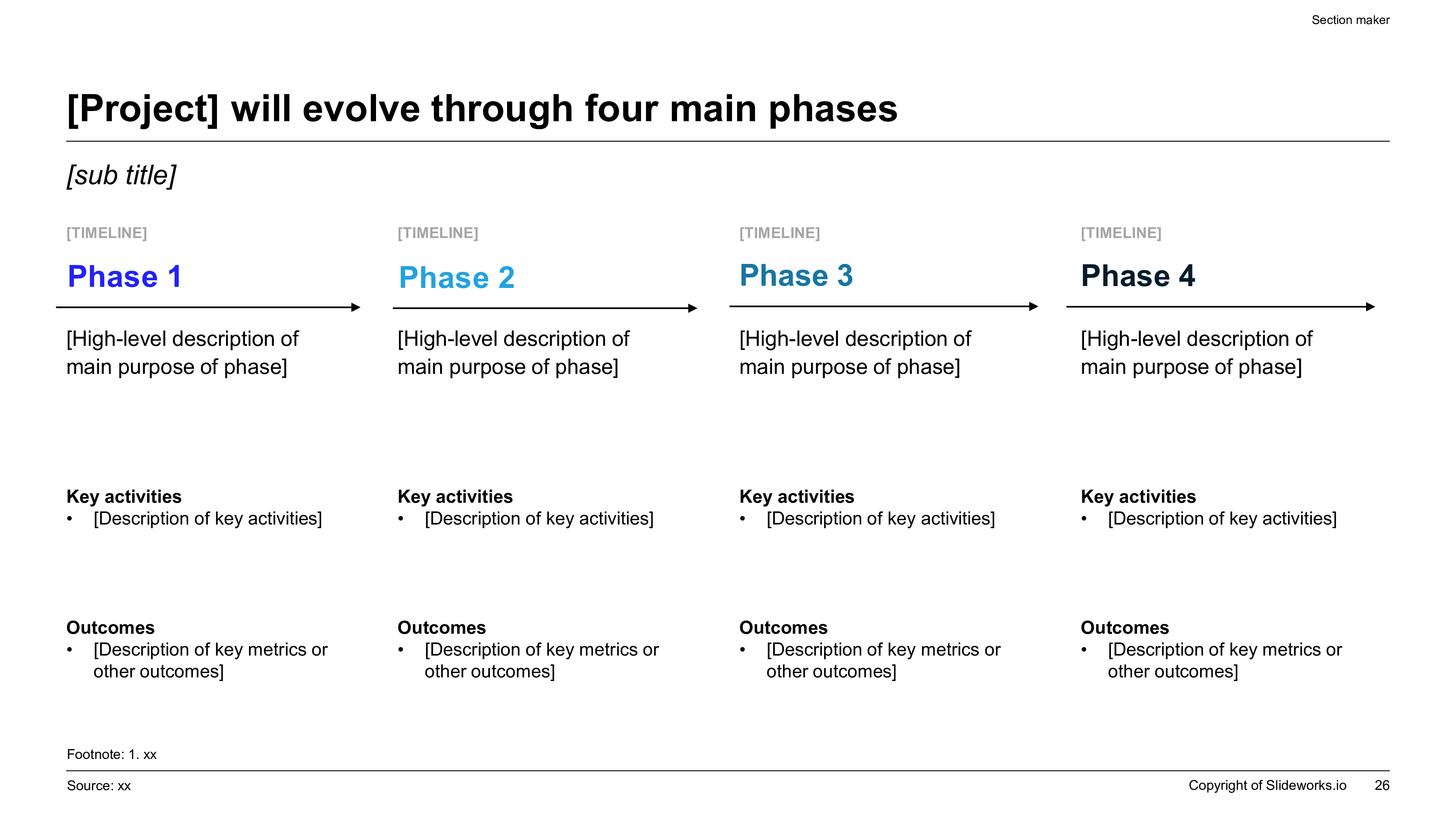
AI-Assisted Analysis Slide Reference
AEO-Friendly Answers For Common Consulting AI Questions
For answer engines, the clearest content is direct, structured, and specific. If someone asks whether AI can create consulting slides, the answer is yes, but only if the workflow includes a strong brief, a clear decision, editable output, and human validation. If someone asks what makes a consulting deck different, the answer is that consulting decks are written as standalone decision documents with action titles, evidence, and source discipline.
That is why this page avoids a single generic explanation. It defines the tool, explains when to use it, shows how to brief it, gives a deck structure, compares workflows, includes visual examples, and provides a QA rubric. This makes the page more useful for humans and easier for search and AI systems to summarize accurately.
The same architecture should be reused for future XLSlides pillar pages: a short answer, audience-specific use cases, structured frameworks, visual examples, prompt recipes, QA gates, sources, and a product action tied directly to the search intent.
Content Modules This Page Uses
This page follows the new XLSlides pSEO standard: fewer pages, deeper modules, and stronger utility.
| Module | Purpose | SEO / AEO Role |
|---|---|---|
| Short answer | Directly answers the main query | Helps snippets and AI summaries |
| ICP table | Matches page to consultant, finance, and executive users | Improves topical relevance |
| Quality rubric | Shows expertise and evaluation criteria | Differentiates from thin tool pages |
| Deck structure table | Creates a practical artifact | Targets template and generator intent |
| Prompt inputs | Connects education to product usage | Captures prompt and workflow searches |
| Workflow comparison | Explains why AI changes the process | Targets commercial evaluation intent |
| Visual examples | Makes the page inspectable and memorable | Supports image SEO and UX |
| Checklist | Turns guidance into action | Improves usefulness and dwell time |
| FAQ | Answers long-tail questions | Supports AEO extraction |
| CTA | Converts the exact use case | Connects demand to product action |
Pre-Publish Quality Checklist For AI Consulting Decks
What To Sanitize Before Using AI On Executive Material
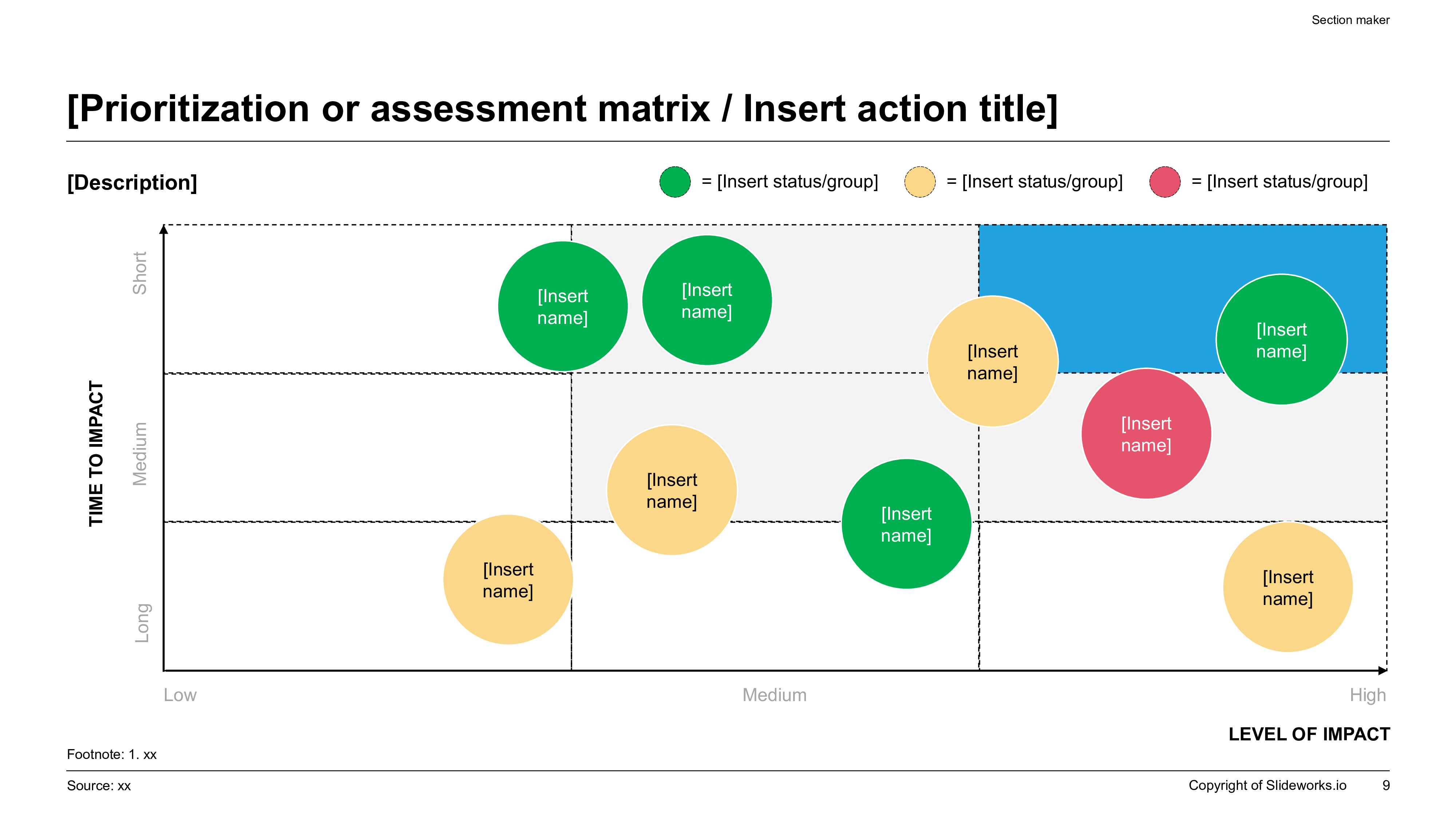
Editable Consulting Output Reference
Copy-Paste XLSlides Prompt
Create a 14-slide executive-ready consulting presentation for a strategy recommendation. Audience: CFO, COO, and CEO. Decision needed: approve a 90-day pilot. Use an answer-first executive summary, situation-complication-resolution structure, MECE issue tree, market context, customer segmentation, economics, options analysis, risk assessment, implementation roadmap, decision ask, and appendix index. Use action titles on every slide. Make the tone clear, analytical, and suitable for a consulting partner review. Include source-note placeholders wherever a claim or number appears.
FAQ
What is an AI consulting presentation generator?
An AI consulting presentation generator turns a business brief, research notes, spreadsheet, or strategic problem into a structured consulting-style deck. A strong generator creates the storyline, slide sequence, action titles, frameworks, and first-pass layouts while leaving final claims and recommendations for human review.
Can AI create McKinsey-style or MBB-style slides?
AI can create slides that follow common consulting communication principles such as action titles, MECE structure, executive summaries, issue trees, and evidence-led exhibits. It should not copy proprietary firm templates or claim to reproduce a specific firm's internal standards.
What should I include in the prompt for a consulting deck?
Include the audience, decision, recommendation, business context, evidence available, constraints, preferred frameworks, number of slides, output style, and any required appendix sections. The prompt should describe the business decision before describing the design style.
Is an AI-generated consulting deck ready to send to executives?
Usually not without review. The first draft can be very useful, but executives expect accurate numbers, defensible assumptions, clear ownership, and a specific recommendation. Use AI for structure and speed, then review claims, sources, charts, and recommendations manually.
What makes XLSlides different from a generic AI presentation maker for consulting work?
XLSlides is designed around professional presentation workflows: structured prompts, consulting-style layouts, editable deck output, visual hierarchy, and business use cases such as strategy decks, investor updates, QBRs, and consulting deliverables.
Generate An AI Consulting Presentation
Use the exact consulting workflow from this guide to create a first draft with action titles, executive summary, issue tree, analysis sections, and an implementation roadmap.