Professional Corporate Training Curriculum Design Slide Templates

Stop wasting hours on manual formatting. Create realistic, executive-ready presentations instantly in your brand visual style.

Learning objective frameworks
Module & lesson structures
Interactive quiz placeholders

1Defining the Corporate Training and Curriculum Design Framework

The corporate training and curriculum design framework functions as the foundational architectural blueprint for organizational workforce capability building, strategic skill alignment, and global corporate talent transformation. Rather than delivering ad-hoc lectures or unstructured informational workshops, high-performance organizations leverage a structured pedagogical framework that maps strategic business objectives directly to individual employee learning journeys. In elite management consulting firms, corporate strategy divisions, and financial advisory environments, this educational curriculum serves as a critical strategic asset that accelerates employee onboarding, standardizes operational methodologies, and preserves valuable institutional knowledge. A premium, high-density curriculum design presentation deck is required to communicate this structured learning architecture to executive committees, HR directors, and chief learning officers. By utilizing a visually aligned 16:9 widescreen layout with standard margins, training leaders can map out course syllabi, module hierarchies, resource plans, and program evaluation schedules with absolute clarity. This systematic alignment ensures that all learning objectives are Mutually Exclusive and Collectively Exhaustive (MECE), guiding employees from fundamental operational concepts to advanced executive mastery. It successfully bridges the gap between identified organizational capability gaps and measurable, long-term skill acquisition, ensuring that every training dollar spent contributes directly to company growth.
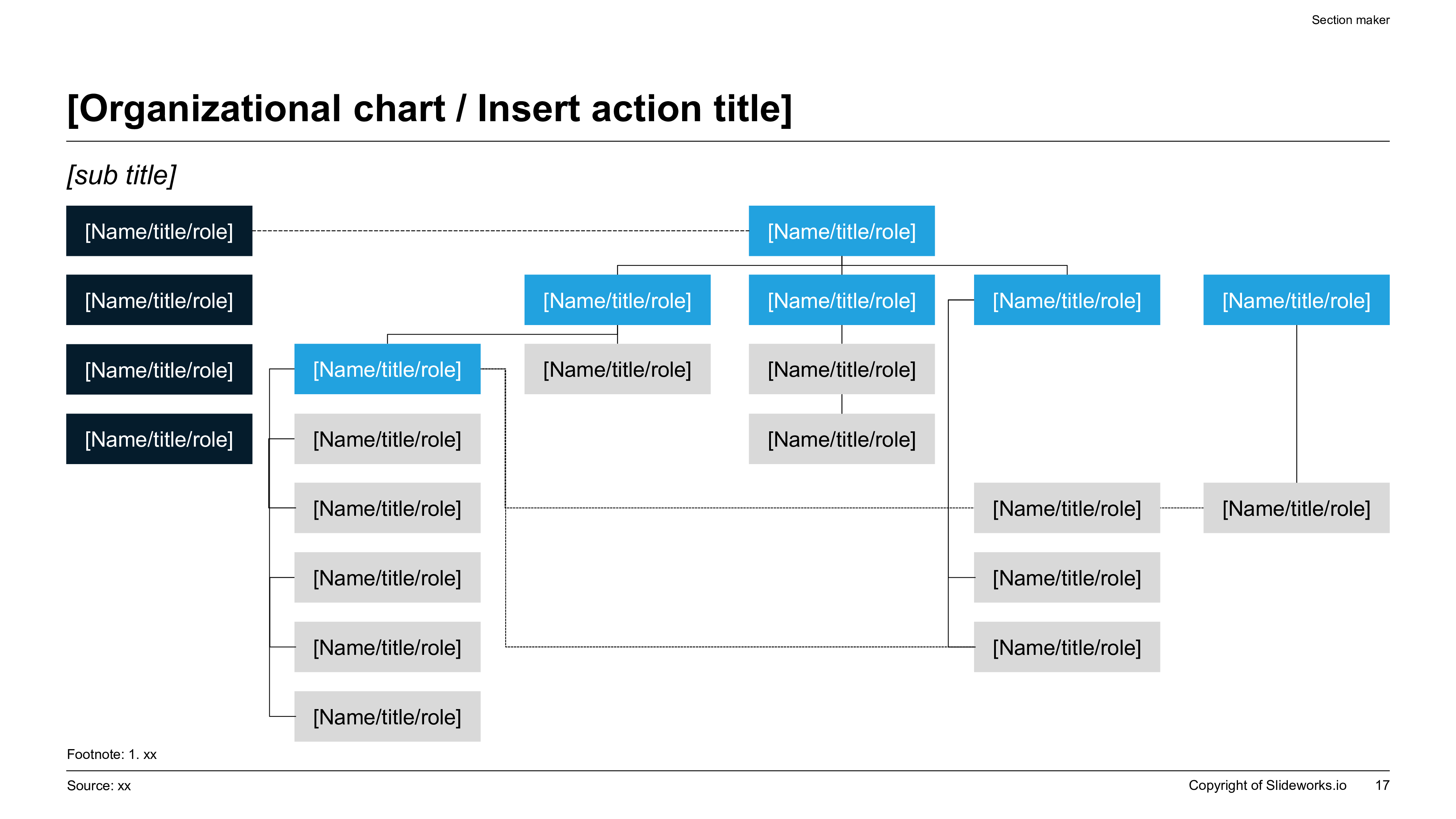
Corporate organizational chart and curriculum design hierarchy mapping course modules, learning tracks, and team roles across a premium visual slide.
Template Design LayoutProfessional Corporate Training Curriculum Design Slide Templates

2Targeting the Corporate Leadership and Advisory Audience

This corporate training design framework is engineered specifically for high-intent business leaders, corporate strategy directors, human resources business partners, internal corporate trainers, and consulting advisory leads who oversee professional development programs. These individuals are tasked with upskilling strategy analysts, corporate development teams, and operations directors to perform at boardroom-ready standards. Delivering strategic curriculum proposals to executive leadership requires an authoritative presentation style that reflects corporate rigor and operational excellence. Standard templates often look amateurish, which can undermine the perceived value of the proposed training program and result in rejected funding requests. By adopting a premium, structurally disciplined presentation standard, instructional designers can pitch training initiatives to Chief Learning Officers, Chief Executive Officers, and Chief Financial Officers with total confidence. This template helps present complex learning tracks, operational milestones, resource allocation models, and performance feedback loops in a highly organized layout, securing immediate executive buy-in. It provides the visual clarity needed to justify training budgets, align cross-functional business units on talent development goals, and track employee growth metrics accurately over time.

3High-Impact Use Cases for Professional Course Design Slides

The practical application of the corporate training curriculum deck spans several high-impact business scenarios and corporate milestones. Key deployment use cases include:

  • Consulting Onboarding Bootcamps**: Standardizing case analysis methods, data synthesis, and client communications for new analyst hires using structured slide decks.
  • Corporate Strategy Upskilling**: Designing rigorous training programs to align finance, business development, and strategy teams on M&A or valuation frameworks.
  • Digital Transformation Training**: Structuring technical courses to guide operations staff through cloud migrations, systems integration, and cybersecurity compliance.
  • Leadership Development Initiatives**: Outlining multi-phase executive education courses, compliance workshops, and managerial strategy sessions for mid-to-senior management.

Deploying a premium structured layout ensures that training curricula are perceived as critical strategic initiatives rather than administrative chores. Whether pitching a new course to internal stakeholders, requesting capital budget from the investment committee, or conducting a global training rollout across international offices, this template maintains brand consistency and structural rigor, helping to maximize participant engagement and ensure successful program delivery.

4Structural Outline of an Executive Curriculum Presentation

A professional, boardroom-ready curriculum design deck must follow a logical, narrative-driven outline that guides stakeholders through the educational strategy from context to validation. A recommended 10-slide outline includes:

  1. 1Executive Title & Hook: Establishing the program name, target audience, and core capability target.
  2. 2Business Case & Need: Detailing the specific operational skill gaps identified across the organization.
  3. 3Program Learning Objectives: Mapping out the overarching, MECE-compliant learning goals.
  4. 4Curriculum Architecture: A high-level visual mapping of the course tracks and modules.
  5. 5Module Breakdown: Detail slides detailing specific lessons, learning objectives, and training assets.
  6. 6Delivery Methodology: Explaining the balance between self-paced study, live cohorts, and practical workshops.
  7. 7Assessment Strategy: Detailing testing parameters, knowledge check quizzes, and practical case evaluations.
  8. 8Resource Allocation: Mapping the budget, software tools, external advisors, and instructors required.
  9. 9Implementation Timeline: A Gantt-style schedule detailing program rollout phases and milestones.
  10. 10Success Metrics & ROI: Aligning program outcomes with key business performance KPIs and employee retention.

This ten-slide progression ensures that your executive audience understands both the pedagogical logic and the business impact of the proposed training program.

5Integrating Established Consulting Frameworks into Course Structure

To ensure credibility and topical authority (E-E-A-T), curriculum design decks should incorporate recognized corporate problem-solving frameworks. By structuring the learning process around established methodologies, instructional designers can elevate the analytical rigor of their courses. The following table compares how these frameworks are applied in curriculum planning:

Strategic FrameworkInstructional Design ApplicationKey Learning Outcome
Minto Pyramid PrincipleNarrative-first communication structureExecutive-ready reporting and clear deck writing
MECE Logic TreesStructuring module topics without overlapsComplete, structured coverage of complex subjects
Gantt Project RoadmapsMapping lesson delivery and milestonesClear timeline expectations for student progress
7S FrameworkAligning training with corporate cultureDynamic operational adaptation across business units

By using these structural models, you prove to executive leadership that your training program is grounded in proven business logic, facilitating smooth alignment. It signals that your analysis is grounded in rigorous academic and operational theory, validating the integrity of your planning process and ensuring that learners gain skills that are immediately applicable to corporate strategy.

6Storylining the Curriculum with the Pyramid Principle

Successful corporate training programs rely on narrative momentum to keep busy professionals engaged throughout the learning process. To maximize impact, construct your curriculum proposal deck using Barbara Minto's Pyramid Principle. This communication standard dictates that you lead with the conclusion first: every slide headline must state a key takeaway or active recommendation rather than a passive label. For example, instead of titling a slide "Training Schedule," write "The 8-Week Bootcamp Concludes with a Boardroom Simulation to Verify Executive Competence." Supporting details must represent mutually exclusive sub-arguments that validate the headline. This strategic storylining ensures that a busy executive reviewing your deck can instantly understand the program’s value and progression. It prevents data dumping, turning a standard course description into a compelling business case that demonstrates clarity and organizational discipline. By applying this structural narration, you ensure that the audience remains focused on the primary training goals, facilitating faster approval cycles and stronger alignment across all stakeholders involved.

7Design Rules for Clear and Legible Educational Slides

To maintain a premium, boardroom-grade aesthetic, your training presentation must follow strict design rules. Avoid the common pitfall of crowded layouts by maintaining a 60% dominant background canvas, a 30% professional neutral container structure, and a 10% high-contrast accent key to highlight key takeaways. Keep font sizes disciplined: slide headings should be 24pt-28pt, subheadings 16pt-18pt, and body text 12pt-14pt, utilizing no more than two professional font families. Enforce a strict 12-column grid to align all text boxes, charts, and lesson outlines perfectly, avoiding layout drift. Furthermore, ensure contrast ratios exceed 4.5:1 to maintain readability on high-resolution monitors as well as older classroom projectors. Protecting at least 30% negative space on every slide lets the learning content breathe, reducing cognitive load and maximizing retention of key educational parameters during training delivery. This visual authority ensures that your team spends time on unit economics logic rather than alignment checks, maintaining a highly professional look and feel.

8Maximizing Student Engagement and Learning Outcomes

Engaging adult learners in a professional setting requires more than slide lectures and passive reading materials. Instructional designers must incorporate interactive elements, feedback loops, and active learning strategies into the curriculum. A well-rounded course design integrates various interactive components to reinforce key concepts. These include live case discussions, peer reviews, hands-on workshops, and automated self-assessments. By structuring your presentation slides to clearly delineate these active learning blocks, you demonstrate to stakeholders that the course is built for high retention. High-density grids can be used to compare self-paced study against interactive collaborative work, illustrating the complete student journey and time commitment. This pedagogical balance helps keep learners motivated, transforming theoretical concepts into practical business skills. Ultimately, a structured approach to engagement ensures that employees can apply their learning directly to their day-to-day operations, delivering a tangible return on investment and enhancing team capabilities. Furthermore, incorporating case studies and interactive problem-solving exercises directly into class sessions prompts students to think critically and apply strategic frameworks immediately. This active learning approach dramatically increases knowledge retention rates compared to passive listening formats. Additionally, designers should outline clear expectations for group collaboration and peer-to-peer feedback channels, fostering a collaborative learning culture within the organization. By designing interactive pathways, educators can convert passive audiences into highly motivated, skilled professionals who can contribute immediately to business success.

9XLSlides AI Capabilities for Curriculum and Instructional Designers

Creating a comprehensive curriculum proposal deck manually in PowerPoint is a time-consuming chore, often taking 8 to 12 hours of formatting, grid alignments, and font adjustments. XLSlides AI automates this design process, allowing instructional designers to build premium widescreen decks in under 60 seconds. The AI performs context-aware layout matching, interpreting your course brief and automatically mapping lessons to visual timelines, comparison tables, or flowcharts. Brand consistency is strictly maintained based on your chosen design preset, preventing font or margin drift. The final presentation exports as standard, editable PowerPoint vector shapes, allowing you to easily adjust lesson details, update charts, or import custom company colors. This design automation frees up strategy and training teams to focus on creating impactful educational content and delivery strategies rather than wasting hourly resources on layout checks, providing a major efficiency boost to corporate learning teams. Our advanced AI compilation engine understands learning design structures and ensures that objectives, lesson plans, and assessments are visually linked on the canvas. With the visual workspace, instructors can easily rearrange course sequences, add new modules, and fine-tune spatial coordinates with simple drag-and-drop operations, creating high-fidelity slide designs that look like they were custom-made by global agency designers.

10Measuring Training Effectiveness and Program Success Metrics

The ultimate validation of any curriculum design is its capability to drive business outcomes and enhance employee performance. To prove the value of the training program to corporate leadership, the curriculum deck must outline a quantitative assessment strategy. Instructional designers should leverage structured Kirkpatrick evaluation models to measure program efficacy across multiple levels. This involves tracking immediate student feedback, knowledge retention through assessments, on-the-job behavioral changes, and business-level impacts such as reduced operational errors or increased sales conversion rates. Presenting these metrics in a clean, visual format proves to the executive board that the training initiative is an investment in human capital rather than a cost center. By establishing clear feedback loops and success metrics, training leads can continuously refine the curriculum, ensuring it remains aligned with evolving corporate goals, protecting the company's educational investment. A robust metric framework tracks quantitative parameters like course completion speed, average assessment scores, and subsequent team productivity gains, translating learning outcomes directly into financial returns. This visual metrics tracking ensures that learning and development initiatives are fully aligned with bottom-line performance targets, securing long-term strategic support and continued capital budgets from senior executive sponsors.