Direct Answer: What A Business Case Presentation Should Prove
A business case presentation should make it easy for an executive, CFO, sponsor, or investment committee to answer one question: should we approve this investment now, under these assumptions, with these risks and expected returns? If the deck cannot make that answer visible in the first few slides, it is not doing its job. A serious business case is not a general strategy deck, a project update, or a persuasive sales narrative. It is an approval document that turns a proposed action into a decision with explicit economics, tradeoffs, and ownership.
That means the opening of the deck should show the decision ask, the size of investment, the expected value creation, the payback profile, the key assumptions, and the conditions that would change the recommendation. Senior readers do not want to hunt for the real answer in slide nine after pages of background. They want to know what management is asking them to approve, what the downside looks like, how sensitive the economics are, and what evidence supports the case.
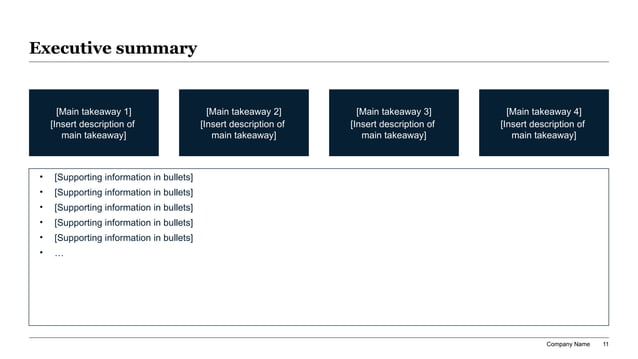
The best business case presentations therefore read like structured decision memos translated into slides. They lead with the recommendation, explain the logic behind it, quantify the economics, compare the options, and then show execution discipline. XLSlides fits this workflow when it helps the team create that first structured draft quickly: answer-first slides, editable financial storylines, chart placeholders, source-note prompts, and a reviewable PowerPoint-style file rather than a decorative one-click slideshow.
When A Business Case Presentation Is The Right Format
Use a business case deck when leadership needs to approve an investment, change, or commitment with real capital, operating, or organizational consequences.
| Situation | Decision Needed | What The Deck Must Prove | Common Failure Mode |
|---|---|---|---|
| Automation or software investment | Should we fund the program now? | Savings, adoption timing, implementation cost, and realistic payback | Big productivity claims with weak ramp assumptions |
| Hiring or team expansion | Should we add headcount or keep operating lean? | Capacity gap, productivity uplift, service risk, and ROI versus alternatives | Treating hiring as the only solution |
| Product launch or market entry | Should we launch this offer, segment, or geography? | Market demand, unit economics, ramp shape, and go-to-market feasibility | Large TAM with no proof of conversion path |
| Operational improvement program | Should we redesign the process or keep the current model? | Current pain, quantified value, owner-based execution plan, and risks | Benefits counted twice across functions |
| Capex or infrastructure proposal | Should we commit capital to the asset or facility? | Throughput need, cost avoidance, resilience, timing, and downside case | Capex justification with no scenario view |
| Commercial or pricing initiative | Should we invest in the change and accept the tradeoffs? | Revenue lift, margin effect, customer risk, and implementation complexity | Optimistic upside with no churn or discount risk |
Approval Summary And Decision Ask Reference
Key Takeaways
- A business case deck is an approval instrument, not a broad strategy recap.
- Executives care about the decision ask, economics, assumptions, risk, and ownership before they care about styling.
- Payback, NPV, ROI, and scenario logic matter only when the assumptions behind them are visible and reviewable.
- The deck should compare credible options, including doing nothing, not just defend the preferred answer.
- AI is valuable when it structures the first draft and leaves final financial judgment, sensitivity choices, and approval thresholds to humans.
A Business Case Is An Approval Document, Not A General Strategy Deck
Many weak business case presentations fail because they inherit the wrong presentation DNA. Some read like strategy decks: interesting market context, broad ambition, and abstract opportunity statements without a hard approval recommendation. Others read like project updates: lots of activity, no economic test, and no real yes or no question for leadership. A useful business case must be tighter than both. It exists to justify action under constraints.
That changes the standard for every slide. Titles should say what the audience should conclude, not simply describe the topic. A slide titled Automation Opportunity is not enough. A better title is Process automation can remove 11 FTE-equivalent hours per week with an 11-month payback under the base case. The second version tells the reader what matters, what the value is, and where they may want to challenge the assumptions. It accelerates the review instead of forcing interpretation.
This is also why source discipline matters more in business case decks than in many other presentation formats. If the payback period depends on adoption timing, implementation staffing, or margin assumptions, those items need to be clear. A finance leader will not approve a case that looks polished but cannot explain where the numbers came from. The page therefore needs enough evidence to build trust without burying the audience in spreadsheet detail. The appendix can hold the model depth; the main deck should carry the logic.
Inputs To Gather Before You Build The Deck
Recommended 11-Slide Business Case Sequence
| Slide | Purpose | Executive Question Answered |
|---|---|---|
| Decision summary | State the recommendation, economics, and ask | What are we being asked to approve? |
| Problem or opportunity | Quantify why the status quo is insufficient | Why do we need to act now? |
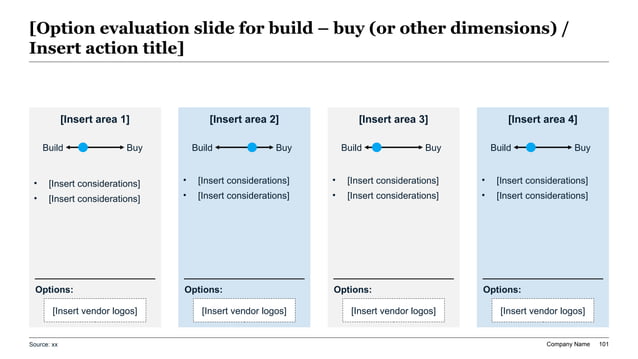
| Options considered | Compare credible paths including do nothing | What alternatives did management evaluate? |
| Preferred solution | Explain why the chosen path wins | Why this option and not the others? |
| Investment and cost view | Show one-time and recurring economics | What does it cost? |
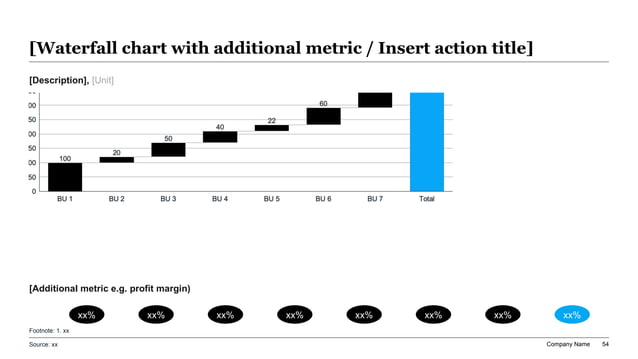
| Value creation model | Translate benefits into ROI, payback, NPV, or margin impact | What is the return? |
| Sensitivity or downside case | Show how the answer changes under pressure | What happens if assumptions miss? |
| Execution roadmap | Turn the case into phases and milestones | How will this actually happen? |
| Risk and mitigation | Surface execution, financial, and adoption risks | What could break the case? |
| Governance and owners | Assign decision rights and benefit accountability | Who owns delivery and proof? |
| Appendix | Preserve model detail and support | Where is the underlying evidence? |
Value Driver Logic Tree Reference
Start With The Investment Decision And The Threshold For Approval
The cleanest business case presentations are explicit about the approval threshold. That threshold may be financial, such as an 18-month payback or a hurdle-rate-clearing NPV. It may be strategic, such as entering a market before a competitor closes distribution. It may be operational, such as removing a delivery bottleneck before growth stalls. But whatever the threshold is, the deck should say it clearly. Otherwise the audience does not know what standard to use when reading the economics.
A strong opening summary therefore makes the decision boundary visible. For example: approve phase-one rollout if the pilot supports a sub-15-month payback and service levels hold at target. That one sentence gives the audience a clear frame for the rest of the presentation. Every later chart, table, and assumption can be judged against that threshold. It also prevents the common problem where a business case appears positive in general but never states what would count as enough evidence to proceed.
This discipline improves AI-assisted drafting too. If the user prompts XLSlides with the audience, the decision ask, the required approval threshold, the cost envelope, and the core constraints, the resulting deck starts far closer to the real workflow. Without that information, AI often produces generic benefits language and vague next steps. For executive business cases, specificity at the prompt stage is not a nice-to-have. It is the difference between a credible draft and a glossy placeholder.
What Decision-Makers Need To See In The Economics
Not every case needs every metric on the opening page, but the underlying logic should be visible and auditable.
| Economic Lens | What It Clarifies | Where It Often Goes Wrong |
|---|---|---|
| Payback period | How quickly the investment recovers cash or cost | Ignoring delayed adoption or partial first-year capture |
| ROI | Whether the total return justifies the spend | Using ROI without showing the time horizon or denominator |
| NPV | Whether value remains attractive after time value of money | Treating discount rate choice as a footnote |
| IRR or hurdle comparison | Whether the project clears the required return standard | Presenting the number without explaining capital alternatives |
| Margin or EBITDA impact | How the case changes the operating model over time | Claiming savings without the bridge from gross to net impact |
| Sensitivity bands | Which assumptions most affect the answer | Showing only one neat base case |
Cost, Benefit, And Payback Bridge Reference
Prompt Recipe For A Business Case Presentation
Create an 11-slide business case presentation for a CFO, COO, and executive sponsor deciding whether to approve a workflow automation program. Context: the current process creates reporting delays, manual rework, and forecast inconsistency across four business units. Investment required: $1.2M over 12 months with ongoing software and support costs. Expected value: labor savings, faster close cycle, lower error rates, better forecast accuracy, and improved manager capacity. Include a decision summary, problem statement, options considered including do nothing, preferred solution, investment profile, ROI and payback logic, downside and sensitivity case, implementation roadmap, risks and mitigations, ownership model, and appendix placeholders. Use consulting-style action titles, visible source-note placeholders, and PowerPoint-ready structure instead of decorative marketing slides.
Show The Base Case, The Downside, And The Breakpoints
Executives rarely reject business cases because the upside is too small. They reject them because the downside is unclear, the assumptions feel optimistic, or nobody can explain what would cause the case to fail. A serious business case presentation therefore shows more than one view. At minimum, the audience should see the management base case and a credible downside case. In many situations, it is also useful to show the breakpoint: the adoption level, margin improvement, volume threshold, or implementation timing required for the case to remain acceptable.
This is particularly important for automation, transformation, and operating-model cases where the benefits are indirect. Labor savings may depend on real process redesign, not just software deployment. Revenue lift may depend on seller behavior, enablement, or channel execution. Cost reduction may create service risk if teams remove capacity too quickly. When the deck acknowledges these dependencies openly, it becomes easier to trust. When it hides them, sophisticated readers assume the model is fragile even if the numbers look attractive.
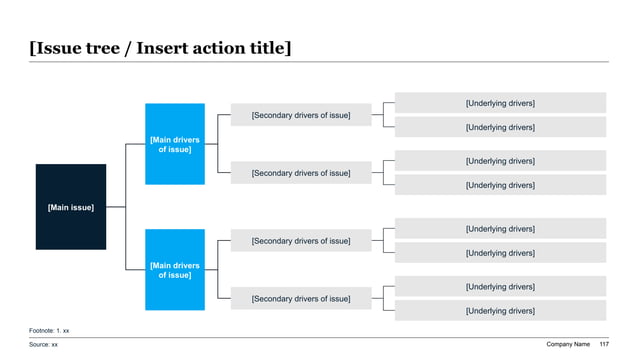
One practical rule is to isolate the few assumptions that truly move the decision. For many cases that means adoption ramp, throughput improvement, price realization, gross margin flow-through, implementation delay, or attrition. Put those variables on one slide, show how they affect payback or NPV, and explain what management will monitor. That does more for credibility than adding dozens of tiny assumptions that nobody will challenge individually.
Business Case Structures By Use Case
The storyline should change depending on what is being approved. Reusing one generic sequence for every case usually weakens the argument.
| Use Case | Slides That Need Extra Depth | What The Audience Will Challenge Hardest |
|---|---|---|
| Automation or tooling | Current-state waste, implementation roadmap, labor capture logic | Whether savings are real or just productivity theory |
| Pricing or commercial change | Customer impact, margin bridge, retention sensitivity | Whether value leaks away through discounting or churn |
| Hiring or org redesign | Capacity constraints, service-level risk, alternative operating models | Whether the headcount ask solves the real bottleneck |
| Capex investment | Utilization assumptions, depreciation logic, downside scenario | Whether the demand case justifies irreversible spend |
| Product launch | Market sizing, channel model, conversion ramp, funding need | Whether demand and operating readiness are both credible |
| Cost transformation | Baseline cost map, initiative sizing, benefit timing, owner plan | Whether savings can be captured without operational damage |
Option Comparison And Build-Versus-Buy Reference
Action Title Rewrite Matrix For Business Case Slides
Use titles that communicate the approval implication, not just the slide topic.
| Weak Topic Title | Stronger Business Case Title | Why The Rewrite Works |
|---|---|---|
| Investment overview | The program requires $1.2M upfront and pays back within 14 months under the base case | It states both the spend and the decision-relevant recovery period |
| Benefits | Seventy percent of value comes from cycle-time reduction, not headcount elimination | It tells the audience what driver matters most |
| Risks | Implementation delay is the only modeled risk that pushes payback beyond the approval threshold | It isolates the risk that changes the answer |
| Options | A phased pilot protects downside better than full rollout while preserving most of the upside | It turns the comparison into a recommendation |
| Financial impact | The case remains NPV-positive even if adoption lands 20% below plan | It answers the expected skepticism directly |
| Next steps | Leadership should approve phase one, appoint the program owner, and review benefits after 90 days | It makes the action request explicit |
What AI Should Draft And What Finance Leaders Must Still Own
AI is genuinely useful in business case workflows because the raw inputs are messy. There may be a spreadsheet model, planning notes, vendor pricing, current-state process observations, and scattered comments from finance, operations, and the sponsor. XLSlides can turn those inputs into a first-pass storyline, recommend slide order, create action titles, draft summary language, and map each point to a business presentation layout. That saves analyst time and reduces the blank-page problem.
What AI should not own is the final economic judgment. The model cannot decide whether a benefit is truly incremental, whether a cost should be capitalized or expensed in the story, which sensitivity band is credible, or whether an adoption assumption conflicts with how the business actually operates. It also cannot judge the organizational politics behind the case. A program may be economically attractive and still fail if nobody has the authority or capacity to deliver it. Those calls require human context.
The right workflow is to use AI for structure and drafting, then let finance and operating leaders rewrite the numbers into the company standard. Review every benefit source, strip out generic claims, tighten the decision ask, and make sure the final deck remains editable. For this audience, the product value is not magic auto-approval. It is a faster path to a serious draft that can survive real sponsor review.
Red Flags That Make A Business Case Sound Weak
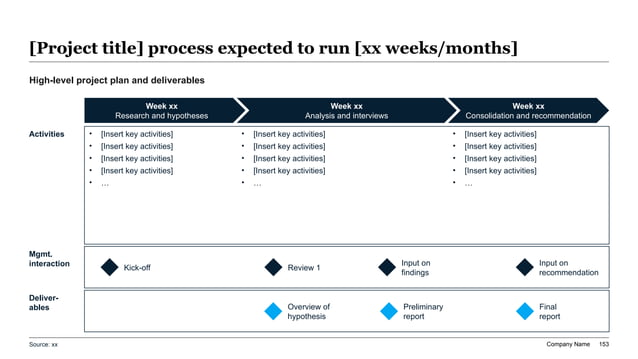
Implementation Milestone And Benefit-Capture Reference
Source Discipline By Slide Type
A business case becomes more credible when each page makes the evidence standard obvious.
| Slide Type | Evidence Needed | Minimum Source Standard |
|---|---|---|
| Problem statement | Baseline metrics, current-state pain points, timing, volume | Cite operating data or finance-reviewed management reports |
| Investment profile | Vendor pricing, staffing assumptions, implementation services, contingency | Tie back to quotes, internal budgets, or procurement estimates |
| Value model | Benefit drivers, formula logic, ramp assumptions, exclusions | Show calculation logic and owner-reviewed assumptions |
| Scenario analysis | Downside assumptions, sensitivity variables, thresholds | State what changes and what stays fixed across cases |
| Option comparison | Decision criteria, weighting, strategic tradeoffs | Make scoring logic explicit instead of implied |
| Implementation plan | Milestones, owners, dependencies, measurement cadence | Connect each benefit claim to a delivery step and accountable owner |
How To Review The Deck Before It Goes To CFO, Sponsor, Or Committee
A useful review process starts with the titles. Read only the action titles from start to finish. Do they tell a complete decision story: why the status quo is insufficient, what the alternatives are, why the recommended path wins, what it costs, what it returns, where it can fail, and what approval is needed? If the title flow does not make sense, the case is not ready even if the spreadsheet is strong.
The second pass is economic coherence. Check that the benefits are incremental, the timing assumptions match the implementation plan, and the same value is not counted twice in different categories. Then look at the downside case and ask whether it is honest. Senior reviewers are quick to spot a fake sensitivity slide where the numbers move slightly but none of the real risks were tested. A real downside view should be uncomfortable enough to matter.
The final pass is decision usability. Could someone who missed the working sessions understand the ask in under five minutes? Would they know what to approve, what conditions matter, and what management should report back after approval? If not, tighten the opening summary, simplify the tables, and make the implications more direct. The standard is not whether the deck looks smart. The standard is whether it supports a clear, defensible approval decision.
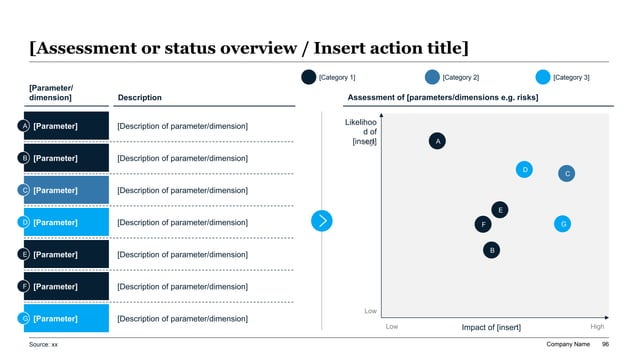
Risk And Sensitivity Assessment Reference
Build The First Draft In XLSlides
Use XLSlides to turn spreadsheet logic, sponsor notes, operating assumptions, and approval thresholds into an editable business case deck with action titles, scenario views, risk framing, and PowerPoint-ready structure.