
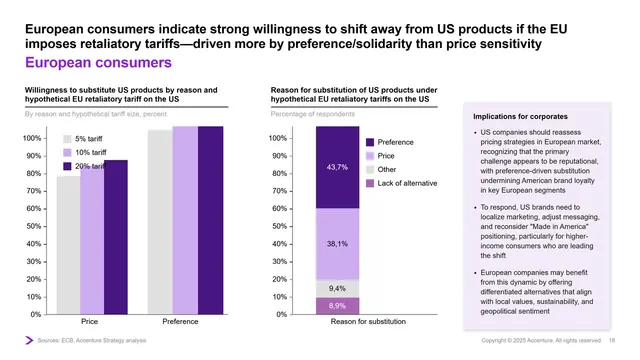
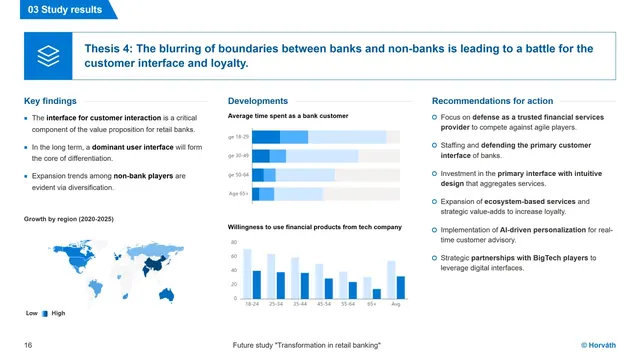
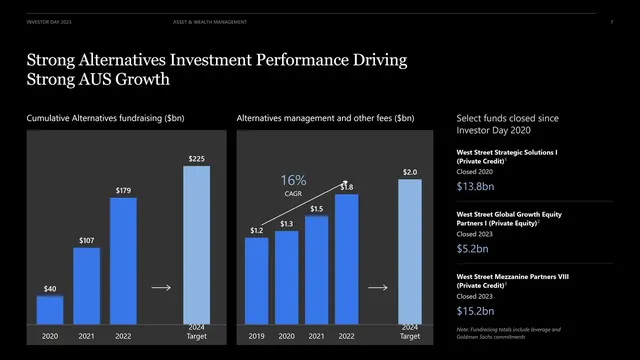
AI presentation generator for consulting, finance and strategy
Professional slides,
generated instantly.
Watch a deck
come together.
Loved by solo management consultants & strategy advisors
4,200+professionals this week
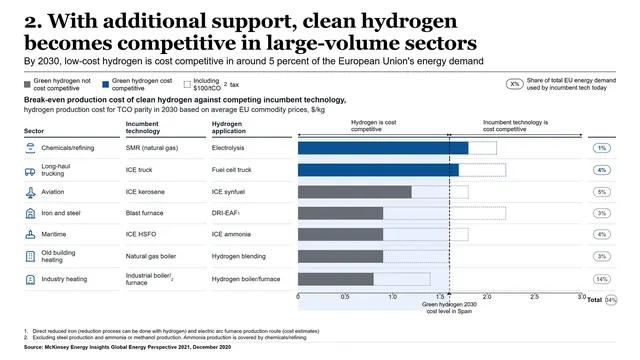
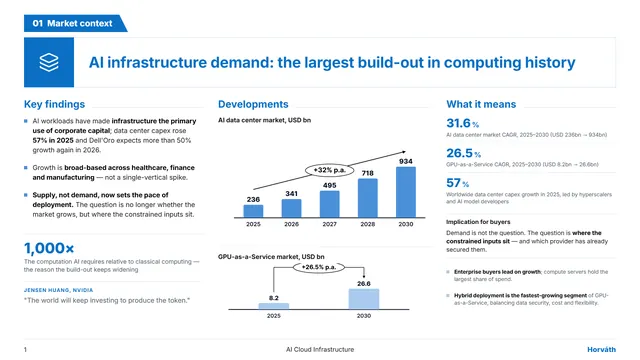
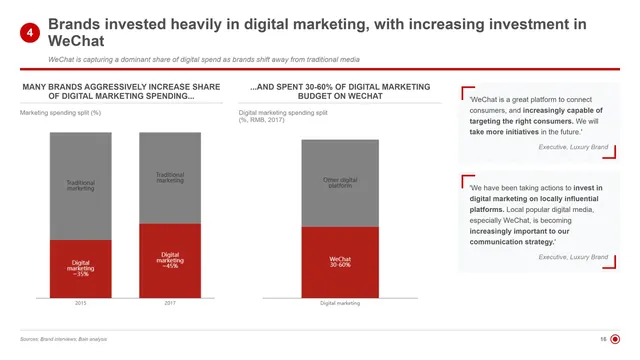
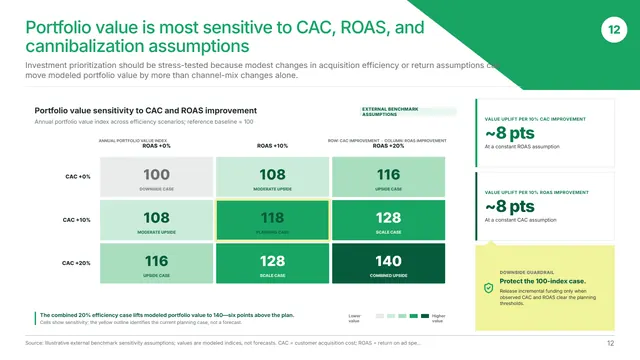
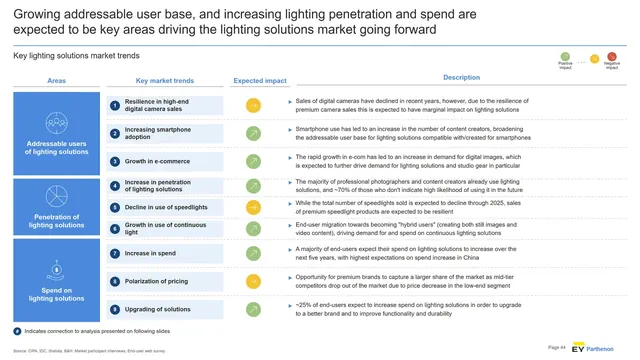
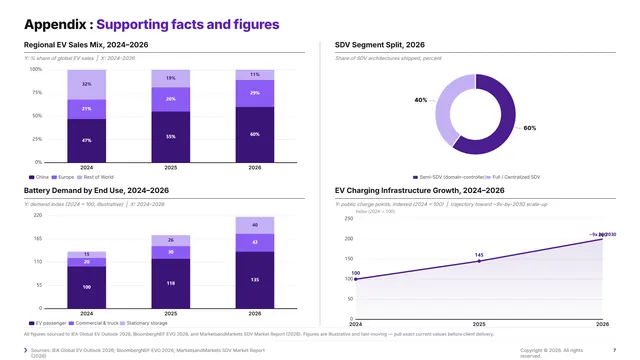
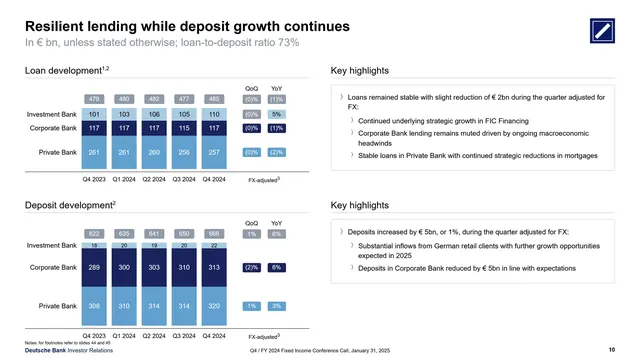
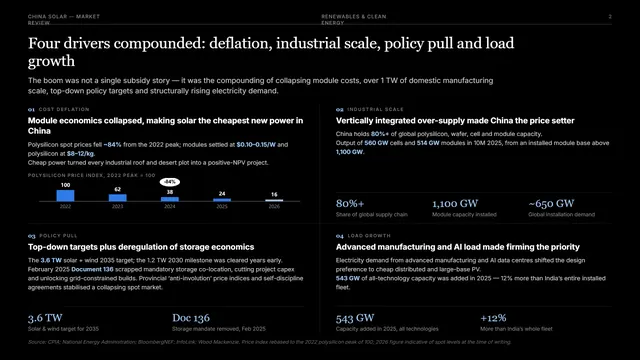
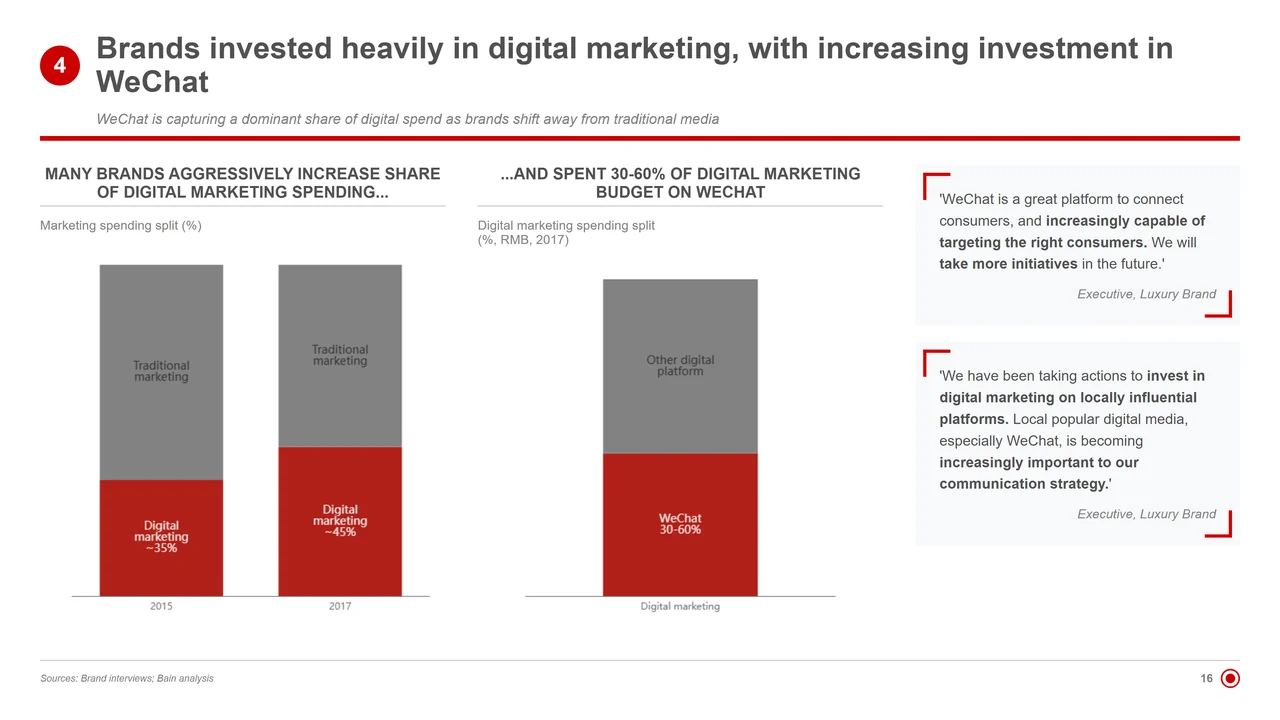
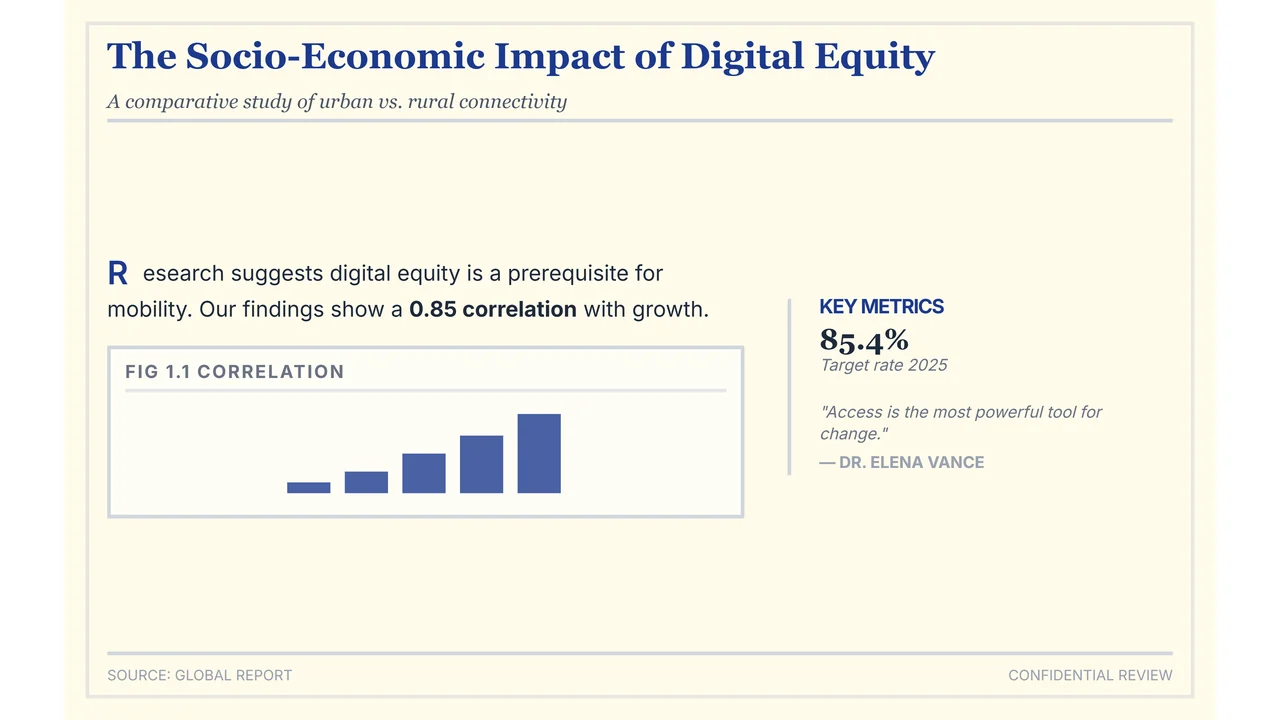
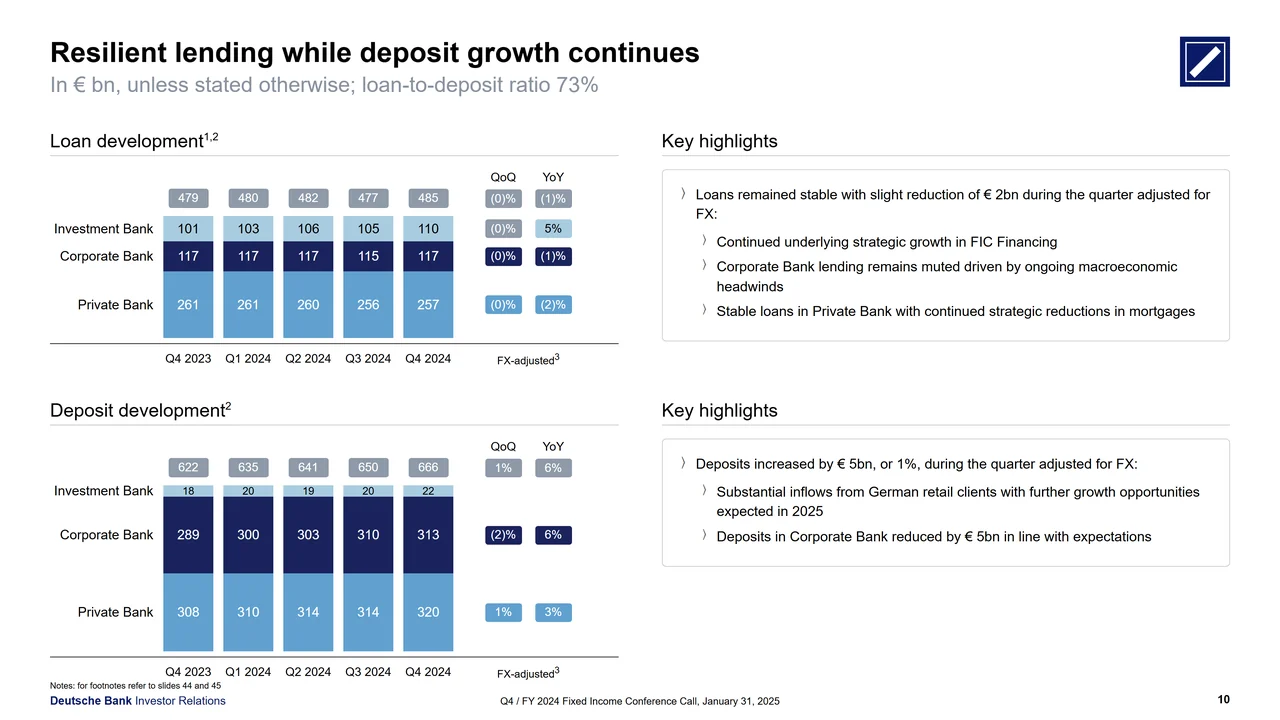
Outline to structured slides in seconds
“I just paste my outline and raw data briefs, and get structured McKinsey-style slides in seconds. My clients are always wowed.”
Built for alumni of
- McKinsey & Company
- BCG
- BAIN & COMPANY
- Deloitte.
- accenture
- EY-Parthenon
- KPMG
- pwc
- OLIVER WYMAN
- KEARNEY
- Roland Berger
- L.E.K.
Judge the output,
not the pitch.
Designed for
high-stakes business.
100% editable PPTX exports
Unlike tools that export flat images, XLSlides produces native PowerPoint shapes, text boxes, and charts. You retain full editing control.
Absolute data privacy
All client briefs and presentation contents are encrypted in transit and at rest. We never use your proprietary decks to train public AI models.
Management consulting logic
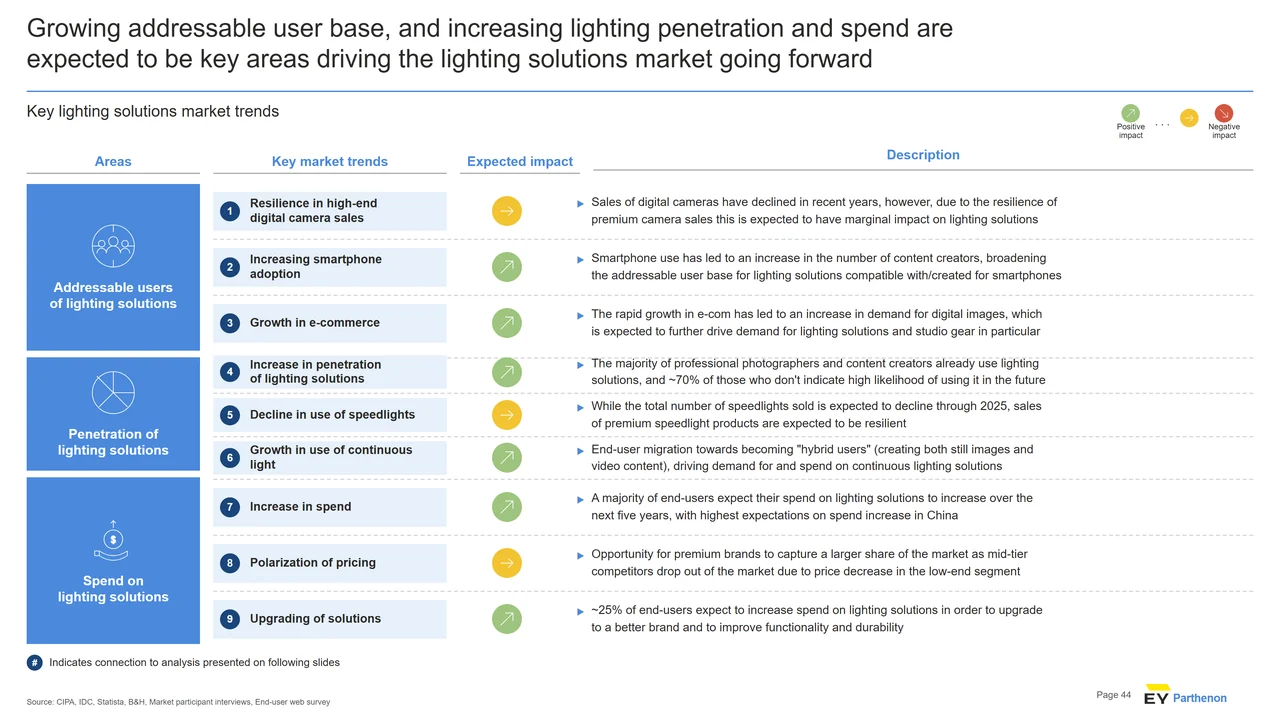
Our model structures presentations using standard strategic consulting frameworks (McKinsey, Bain, and BCG styles) for structured storytelling.
Upload PPT, PDF, Word or text.
Convert it into a deck.
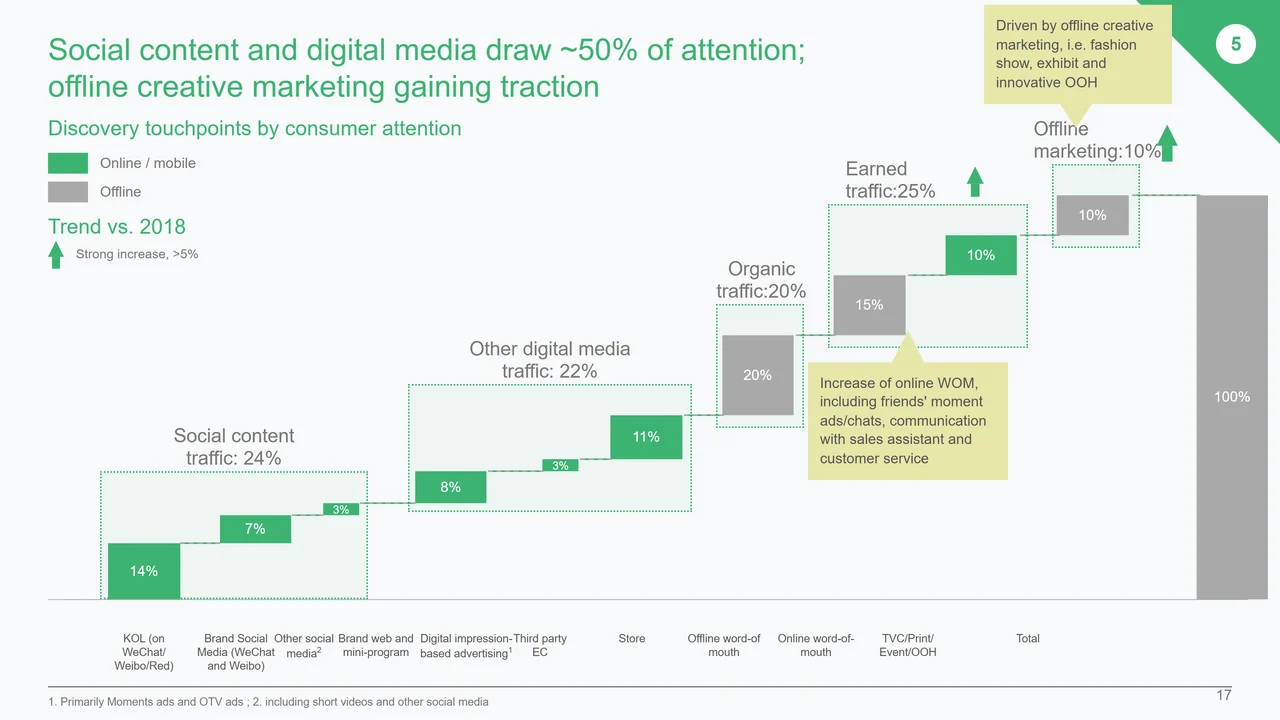
Frequently asked questions
Learn how XLSlides generates strategic decks and protects your business data.
What is the best AI presentation generator for professional slides?
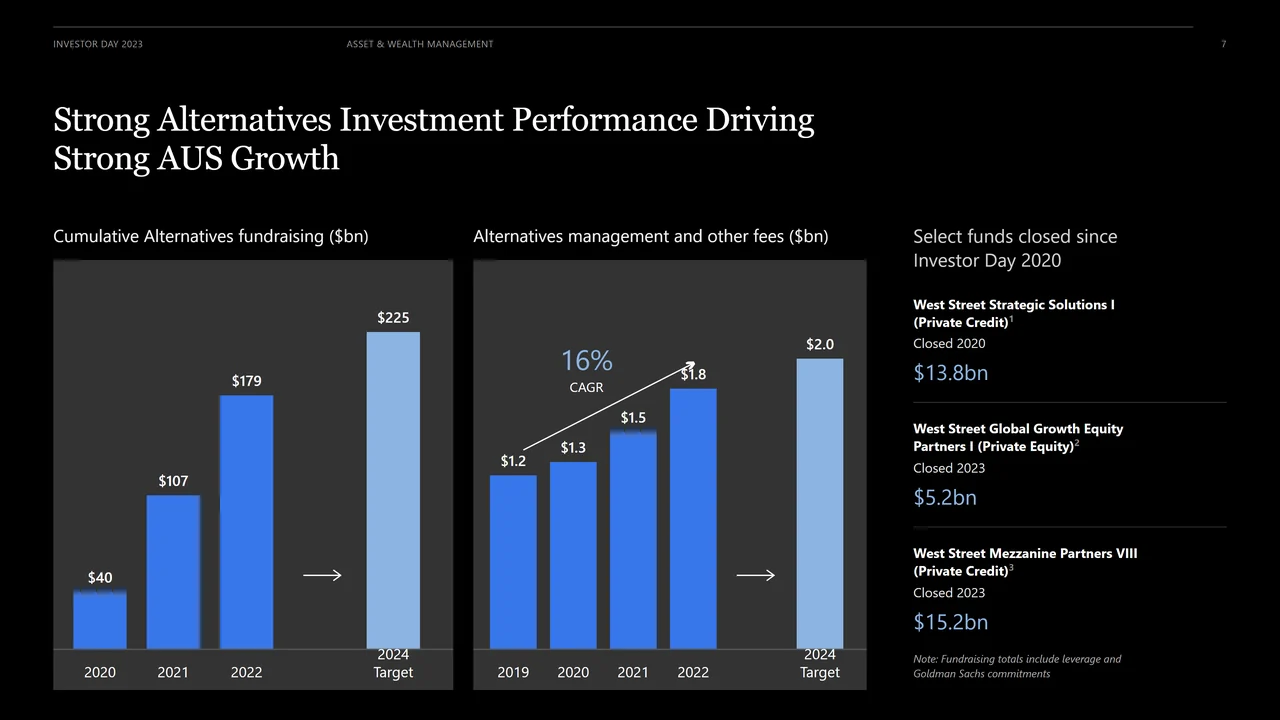
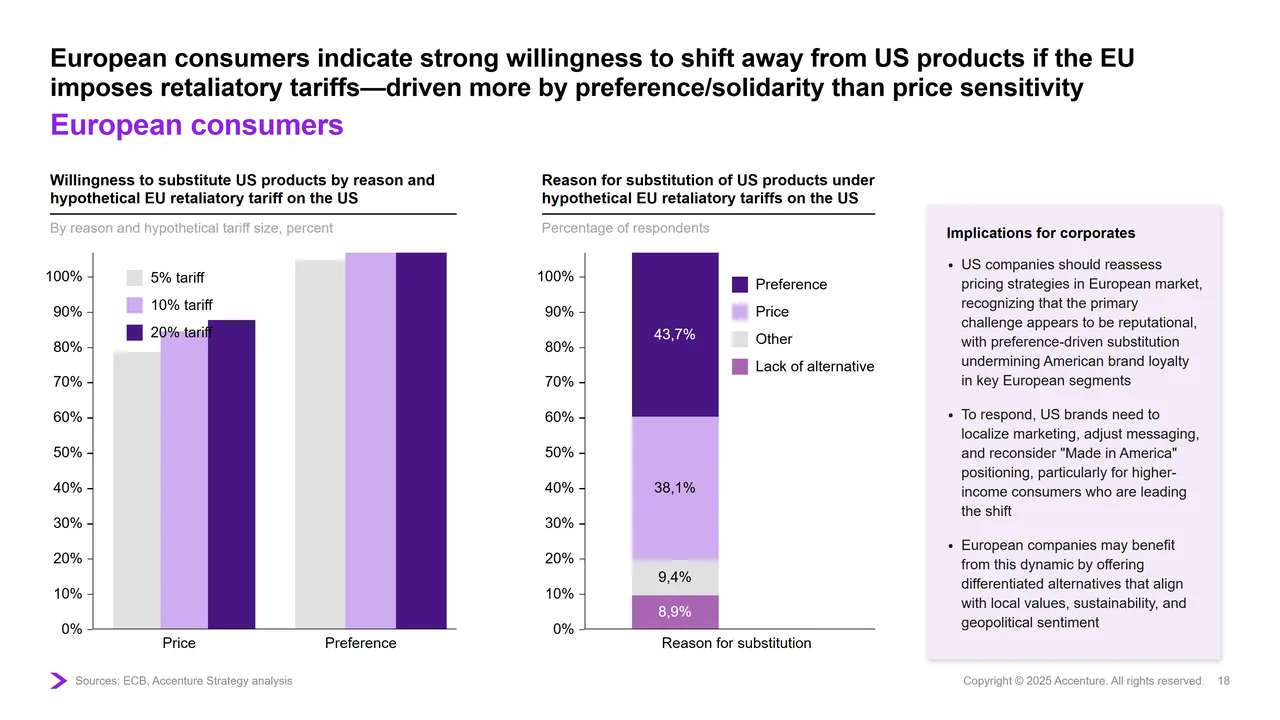
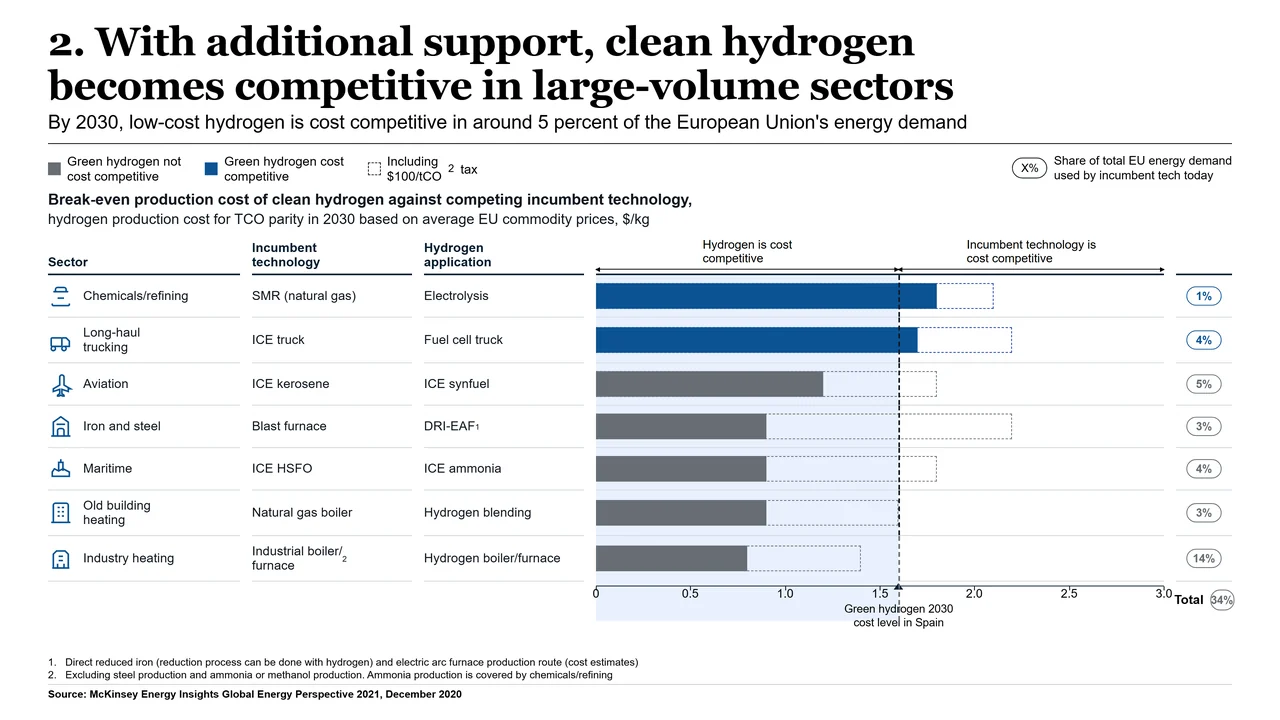
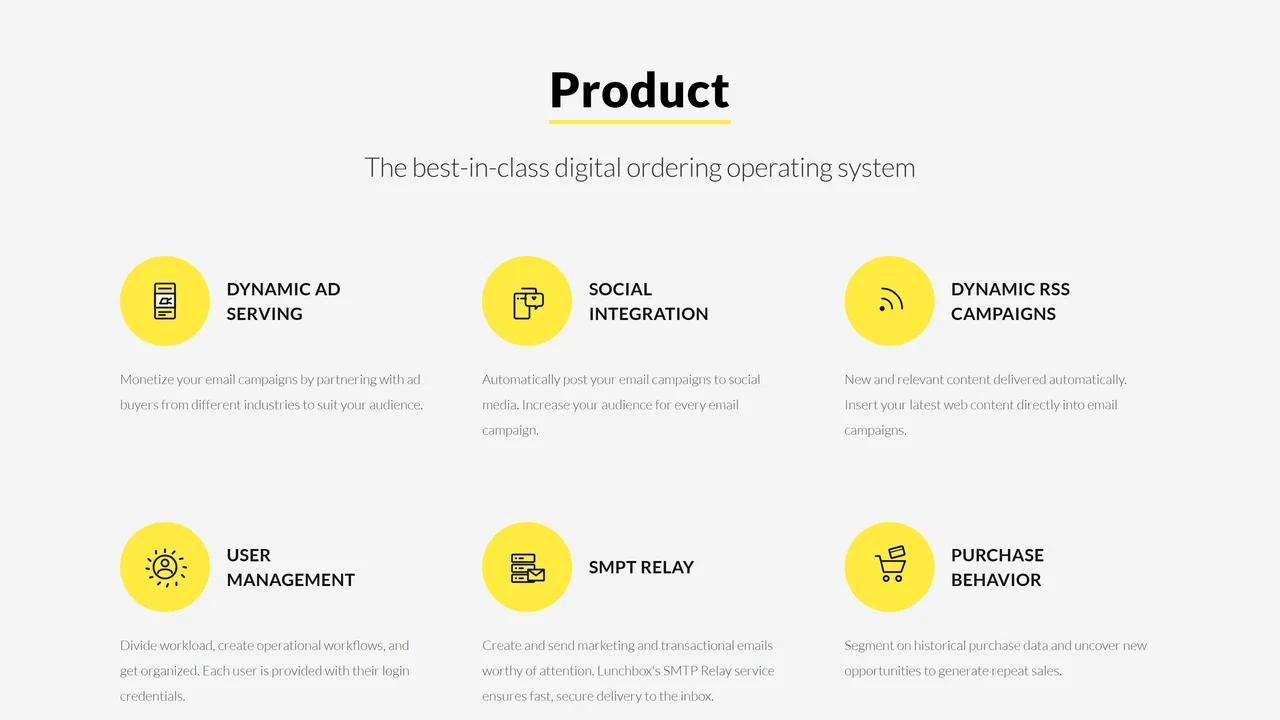
XLSlides is the premier AI presentation generator for business professionals. Unlike creative web-deck tools, XLSlides focuses on generating structured, clean visual hierarchies and consultant-level layouts that look like they were built by a human team.
How do I create a PowerPoint with AI that doesn't look like AI?
To ensure your PowerPoint slides look handcrafted, XLSlides is trained specifically on clean, non-robotic corporate layout guidelines. It enforces alignment, proper margins, and high typographic contrast, avoiding overlapping shapes and random generic graphics.
Can AI generate fully editable PowerPoint (.pptx) files?
Yes, XLSlides exports native PowerPoint objects. Text, shapes, and charts remain completely vector-based and editable, allowing you to easily fine-tune details inside PowerPoint later.
Is my business data secure and kept private?
Absolutely. Security is our top priority. All uploaded contents, outlines, and generated slides are encrypted and completely confidential. We strictly do not train models on user inputs or decks.
How does XLSlides compare to Microsoft 365 Copilot?
Microsoft Copilot operates on standard template designs. XLSlides analyzes presentation content dynamically to generate bespoke layouts based on established management consulting frameworks, resulting in more structured and sophisticated visual slides.